Slow mobile internet can be incredibly frustrating. I’ve been there, waiting for a page to load, a video stuck on buffering, or a payment app refusing to open when you need it the most. What makes it worse is seeing “4G” or “5G” on the screen but still getting painfully slow speed.
Over time, instead of changing SIM cards or blaming the network, I started observing my own phone usage. That’s when I realized something important: most speed issues are caused by the phone itself, not the internet provider.
In this article, I’ll share three simple methods I personally use to increase mobile internet speed, without installing risky apps or changing network settings. These steps work for both Android and iPhone and are safe for everyday users.
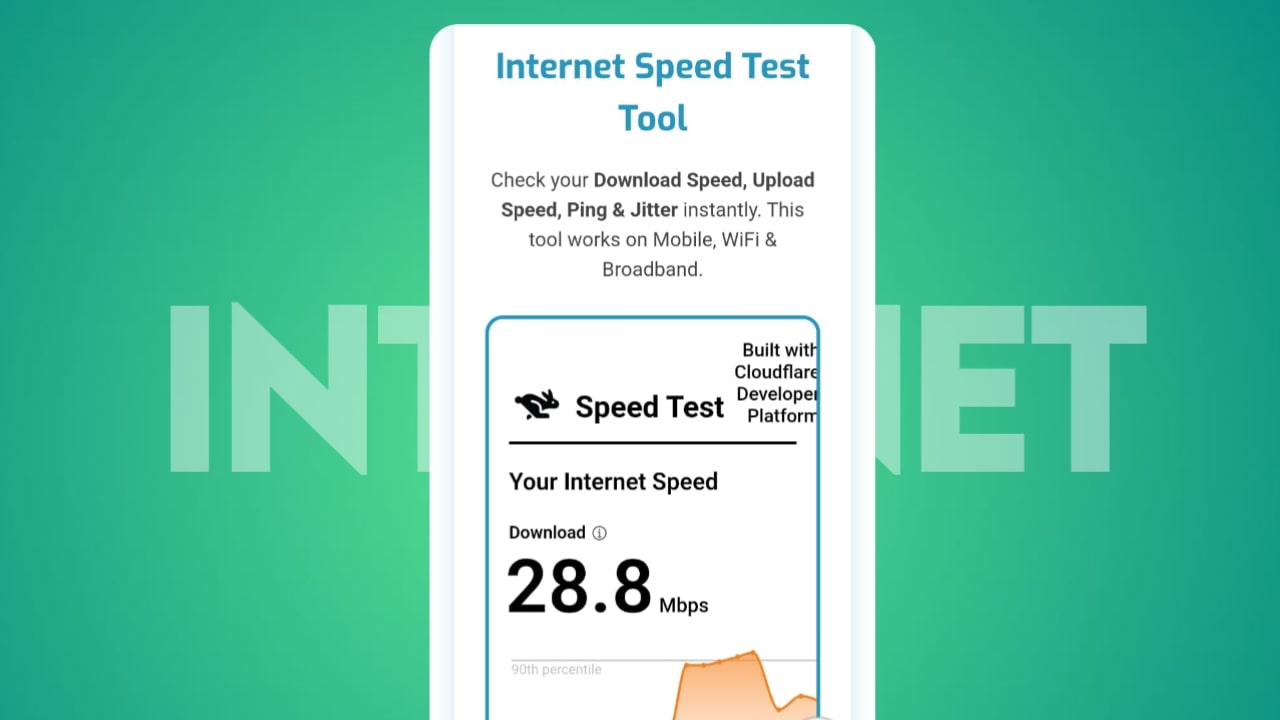
1. Check Your Internet Speed Before Anything Else
Before trying to “fix” slow internet, you need to know how slow it actually is.
Many times, we assume the internet is slow, but in reality:
- The network is temporarily unstable
- The app or website is slow
- The signal strength is weak in that area
Checking the internet speed gives clarity and avoids unnecessary changes.
Why Speed Testing Matters
- Confirms if the issue is real or temporary
- Helps compare speed before and after fixes
- Identifies peak-hour slowdowns
I personally check speed whenever I feel lag, especially before blaming my data provider.
What to Look For in Speed Results
- Download speed (important for browsing and streaming)
- Upload speed (important for calls and uploads)
- Ping/latency (important for gaming and video calls)
If your speed is much lower than usual, then it’s time to apply the next steps.
Tip: Test speed in two different locations to rule out signal issues.
2. Close Background Apps That Secretly Consume Data
This step alone made a huge difference for me.
Most smartphones today keep many apps running in the background, even when you’re not using them. These apps:
Sync data automatically
- Refresh content
- Send usage data
- Download updates
All of this eats up your internet bandwidth, making active apps slower.
Common Background Data Hogs
- Social media apps
- Cloud storage apps
- Video streaming apps
- Shopping and news apps
I was shocked when I realized how many apps were silently using data even when my phone was locked.
How Closing Background Apps Helps
- Frees up bandwidth instantly
- Improves page loading speed
- Reduces network congestion
- Saves battery life
Once I started regularly clearing background apps, my browsing and video playback became noticeably smoother.
Important: Don’t force-stop essential system apps. Only close user-installed apps you recognize.
3. Restart Your Phone (Simple but Powerful)
Restarting your phone might sound basic, but it’s one of the most underrated solutions for slow internet.
Your phone stays connected to the mobile network for days or even weeks without resetting the connection. Over time:
- Network cache becomes overloaded
- Temporary glitches build up
- Signal handshakes weaken
Restarting refreshes everything.
What Restarting Actually Fixes
Reconnects to the nearest network tower
Clears the temporary network cache
Stops hidden background processes
Resolves minor software bugs
Whenever my internet suddenly slows down without any clear reason, a simple restart fixes it within minutes.
Best Restart Habit
- Restart your phone once every 2–3 days
- Especially after long travel or network switching
- Restart before important online tasks
This habit alone keeps your mobile internet stable and reliable.
Also Read:
- 3 Best Ways to Increase the Volume of Your Phone’s Speaker
- AI Content Labeling on Social Media: A New Era of Transparency
Final Thoughts From Personal Experience
You don’t always need expensive plans, signal boosters, or third-party apps to improve mobile internet speed. Sometimes, the solution is already in your hands.
By:
1. Checking actual internet speed
2. Closing unnecessary background apps
3. Restarting the phone regularly
I’ve personally experienced faster browsing, smoother streaming, and fewer disconnections.
These methods are safe, practical, and work in real life, not just in theory.
FAQ
Q1. Can restarting my phone really increase internet speed?
Yes. Restarting refreshes network connections and clears temporary glitches that slow down data speed.
Q2. How often should I close background apps?
At least once or twice a day, especially if you use many apps or notice slow internet.
Q3. Does checking internet speed consume data?
Yes, but very little. A single speed test uses only a small amount of data.
Q4. Why is my internet slow even with good signal?
Signal strength doesn’t guarantee speed. Background apps, network congestion, and software issues can still slow it down.
Q5. Are internet booster apps necessary?
No. Most booster apps don’t actually improve speed and may even harm performance. Manual optimization works better.