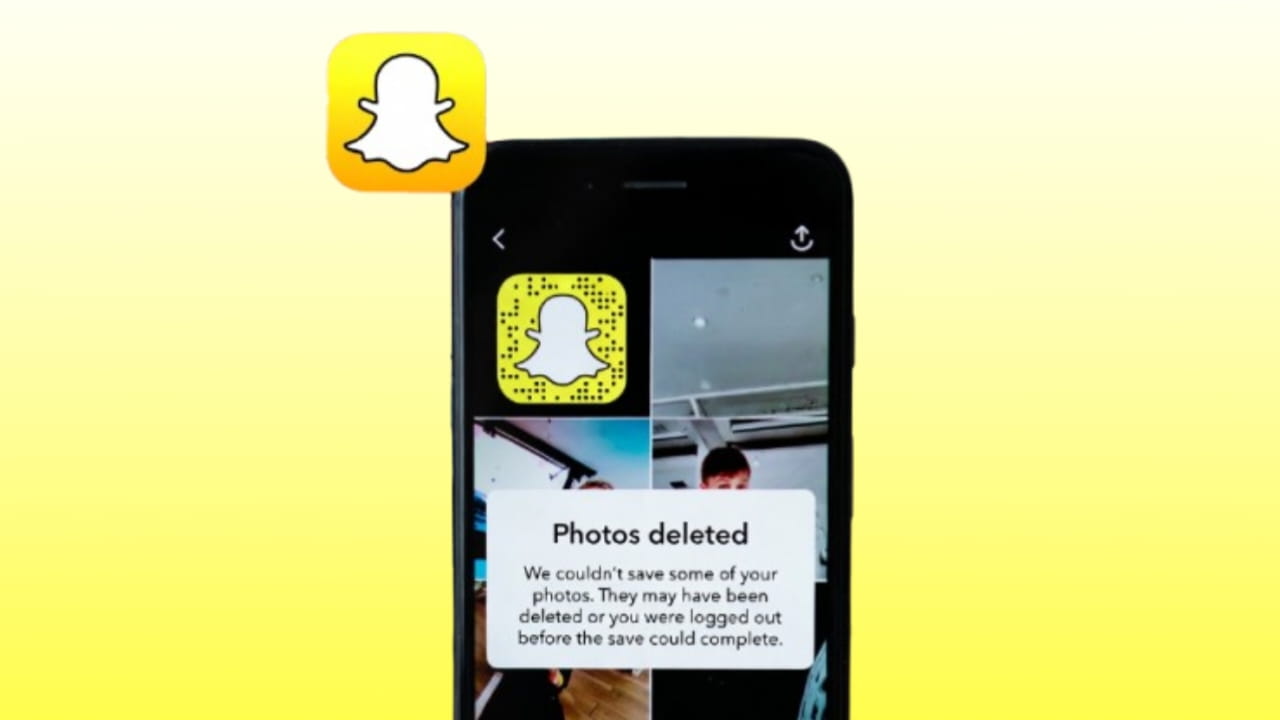
Losing Snapchat photos and videos can be extremely frustrating, especially when they include memories that cannot be recreated. Snapchat is designed around temporary content, which makes recovery more challenging compared to normal gallery files. However, from real user experiences and practical testing, there are still some possible ways to recover deleted Snapchat photos and videos depending on where they were stored and how they were deleted.
This guide explains all realistic recovery methods, the reasons why Snapchat data gets deleted, and what actually works in real life.
Why Snapchat Photos and Videos Get Deleted
Snapchat content is built to disappear, but deletion can happen in multiple ways, not all of them intentional. Understanding the reason helps decide the right recovery method.
Common reasons include
- Snapchat automatically deletes snaps after viewing
- User manually clears Snapchat cache or data
- Phone storage cleanup or factory reset
- App reinstallation or update issues
- Accidental deletion from Memories or Gallery
If the content was saved locally or backed up, recovery chances are much higher.
Can Snapchat Deleted Photos and Videos Be Recovered
The answer depends on where the photo or video was stored before deletion.
If the snap was only viewed and never saved, recovery is almost impossible because Snapchat removes it from its servers. If the content was saved to Snapchat Memories, device storage, or cloud backup, recovery is often possible using the right method.
Recover Deleted Snapchat Photos from Memories
Snapchat Memories is the first place you should check. Many users think their snaps are deleted when they are only hidden or unsynced.
Steps that may help
- Open Snapchat and go to Memories
- Check both Snaps and Camera Roll sections
- Search by date or location
- Make sure you are logged into the same account
Sometimes syncing issues make snaps disappear temporarily.

Recover Snapchat Photos from Google Photos or iCloud
If auto backup was enabled on your phone, Snapchat photos and videos may still exist in cloud storage.
For Android users
- Open Google Photos
- Check Trash folder
- Look for Snapchat media
- Restore within 30 days if available
For iPhone users
- Open iCloud Photos
- Check Recently Deleted folder
- Restore within 30 days
This is one of the most successful recovery methods in real cases.
Recover Snapchat Photos from Device Storage
When Snapchat saves media locally, it stores temporary files inside hidden folders. Even after deletion, some files may remain until overwritten.
On Android devices
- Open File Manager
- Go to Android data com.snapchat.android
- Check cache and media folders
These files may not have proper names, but previewing them can help identify lost snaps.
Use Recovery Application
Using a recovery application is one of the most commonly tried methods when Snapchat photos and videos are deleted from device storage. These apps scan internal memory to locate deleted media files that have not yet been overwritten.
Recovery apps usually work best when
- The file was saved to the device at least once
- The phone was not heavily used after deletion
- The device is not factory reset
Popular recovery applications scan for image and video fragments and allow a preview before recovery. Some apps work without root, while deeper scans may require advanced permissions.
Important things to remember
- Recovery apps cannot restore snaps that were never saved
- Success rate depends on storage usage
- Free versions often have limited recovery options
This method is useful but not guaranteed.
Recover Snapchat Videos Using Computer Software
In some cases, connecting your phone to a computer and using data recovery software can help, especially for videos.
This method may help if
- Videos were saved to internal storage
- The device allows file system access
- The data has not been overwritten
However, modern Android and iOS security restrictions limit deep access, so results vary.
Contact Snapchat Support
If a snap was saved in Memories and disappeared due to a technical issue, contacting Snapchat support is worth trying.
You can request data by
- Visiting Snapchat Support
- Choosing data and privacy options
- Requesting account data download
Snapchat may provide limited data, but it does not guarantee recovery of deleted snaps.
What Cannot Be Recovered
It is important to be realistic. Some Snapchat data cannot be recovered at all.
These include
- Snaps that were only viewed and expired
- Snaps deleted by the sender
- Content not saved or backed up anywhere
- Snaps deleted long ago with heavy phone usage afterward
No application or tool can recover data that no longer exists.
How to Prevent Losing Snapchat Photos and Videos in Future
Prevention is always better than recovery.
Best practices include
- Always save important snaps to Memories
- Enable cloud backup on your phone
- Export important videos to gallery
- Avoid clearing Snapchat data frequently
- Keep backups before factory resets
These steps dramatically increase recovery chances.
Frequently Asked Questions
Can Snapchat deleted photos be recovered after viewing
No, snaps that were only viewed and never saved are permanently deleted.
Do recovery apps really work for Snapchat
They can work only if the file was stored locally and not overwritten.
Can Snapchat support restore deleted snaps
In most cases, no. Snapchat does not restore expired or deleted snaps.
Is root required to recover Snapchat media
Not always, but rooted devices may allow deeper scans with higher risk.
How long do deleted Snapchat photos stay recoverable
Until the storage space is overwritten, which can happen quickly with normal usage.
Final Thoughts
Recovering Snapchat deleted photos and videos is possible in limited situations, mainly when the content was saved, backed up, or cached locally. There is no magic tool that can restore expired snaps directly from Snapchat servers. Recovery applications and cloud backups offer the best chances, while prevention remains the most reliable solution. Treat Snapchat as a temporary platform, and always save important memories elsewhere if you want to keep them safe.



Missing photo
Hidden photos I want back as soon as possible
My Eyes Only photo And videos delete
My snapchat my eyes only video and photos are missing
Snapchat deleted my photos recover sumit tomar