
Rapido is one of India’s most-used bike-taxi and auto booking services. Because of its massive user base, issues like account deactivation, driver (captain) problems, wrong charges, discount failures, or even accident/claim-related matters do happen.
I have been personally using the Rapido application since 2019, and whenever I have faced issues in between, I smartly use Rapido customer support to fix my issues. From experience, I can say that Rapido’s customer care is mostly email-based, and you get very quick support through in-app chat, too. And Rapido does not provide official call numbers, and whatever contact number you get online is unofficial and unreliable.
This article gives you the official Rapido contact details, when to use which email, and ready-to-send sample complaint emails that actually work.
Rapido Customer Care – Official Contact Details
- For Riders (Customers), Email: shoutout@rapido.bike
(Use this for rides, overcharging, discounts, safety, account issues, support queries)
- For Captains (Drivers), Email: captaincare@rapido.bike
(Use for captain onboarding, app issues, earnings/payment issues, account deactivation)
- For Serious Complaints or Escalations, if your complaint is not resolved in 48–72 hours, use: Email: nodalofficer@rapido.bike
(Accident claims, legal issues, safety problems, unresolved complaints)
- Fastest Method: In-App Support
Open Rapido App → Menu → Help & Support → Choose the issue.
This usually gives the fastest response.
When You Should Contact Rapido Support
Based on user experiences, these are the most common issues:
- Account deactivated / cannot log in
- Captain’s misbehavior / unsafe driving
- Wrong fare charged / discount not applied
- Refund not received
- Ride safety issues
- Accident/injury/insurance claim
- Captain onboarding/verification issues
- Vehicle/RC/License document problems
Below are sample emails for each case.
Sample Email Templates for Rapido Support
Use these templates exactly or modify them as needed. They are written in a professional tone to get a faster resolution.
Account Deactivated / Unable to Login – Sample Email
Subject: Request to Reactivate My Rapido Account
Hello Rapido Support Team,
My name is, and my registered mobile number is___.
I am unable to log in because my account appears to be deactivated.
I did not receive any prior warning or explanation about this action.
I request you to kindly review my account status and reactivate it.
If this deactivation happened due to any misunderstanding or incorrect report,
please help me resolve it at the earliest.
I have been a regular user of Rapido, and I rely on the service for daily travel.
Thank you for your support.
Regards,
Send To:
- Captains: captaincare@rapido.bike
- Riders: shoutout@rapido.bike
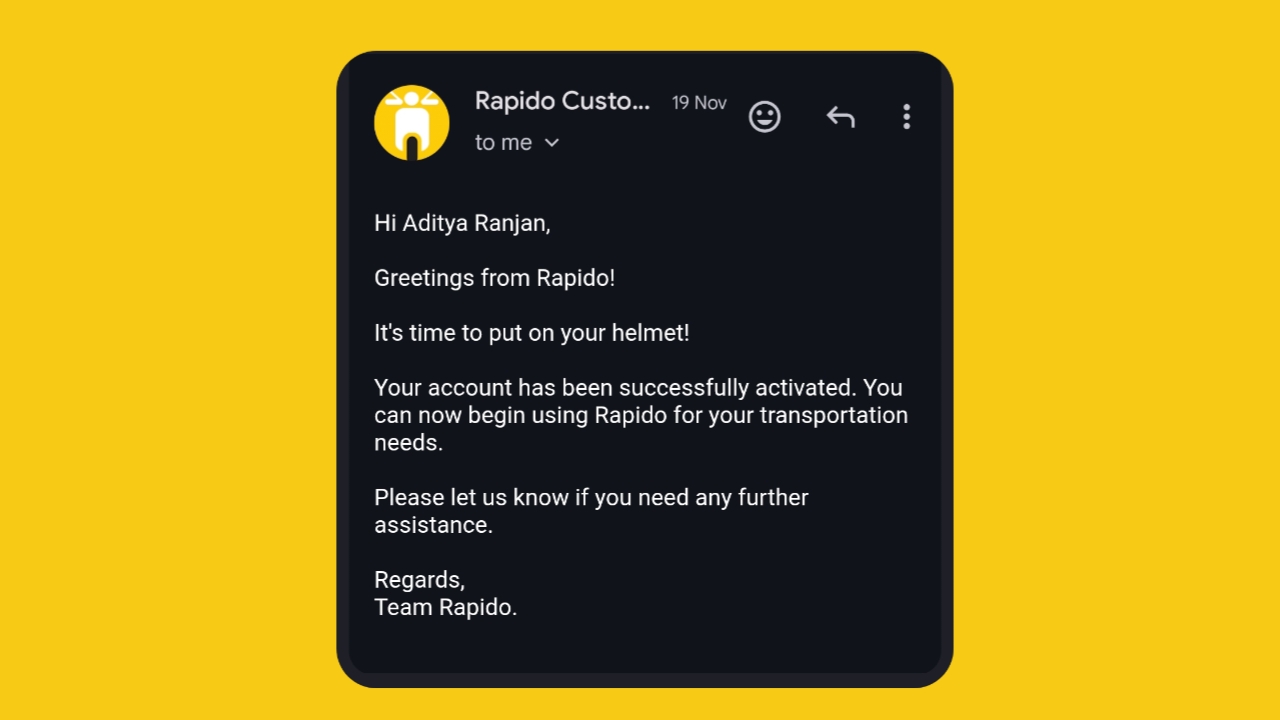
Discount Not Applied / Overcharge / Refund Issue – Sample Email
Subject: Discount Not Applied / Wrong Fare Charged – Request for Refund
Dear Rapido Customer Care,
I would like to report an issue with my recent ride.
Ride ID:
Date & Time:
A discount/promo code was shown as applied during booking, but it was not reflected
in the final fare. I was charged the full amount.
Please verify this ride and credit the refund or apply the discount amount to my wallet.
I am attaching screenshots of the promo and fare details for your reference.
Looking forward to a quick resolution.
Regards,
Mobile:
Send To: shoutout@rapido.bike
Accident / Injury / Insurance Claim Request – Sample Email
Subject: Urgent: Accident Incident Report & Insurance Claim Request – Ride <Ride ID>
To the Rapido Support / Grievance Officer,
I am writing to report an accident that occurred during my Rapido ride.
Ride ID:
Date & Time:
Location:
Captain Name:
During the ride, an accident took place which caused.
I request assistance in filing an insurance claim and understanding the next steps.
I am attaching:
- Photos of injury/damage
- Medical bills (if any)
- Ride screenshot
- Any other supporting documents
Please guide me through the compensation/claim process and assign a case handler as soon as possible.
This is an urgent matter, and I request a prompt response.
Thank you,
Mobile:
Send To:
- First: shoutout@rapido.bike
- If urgent or no response in 48 hrs: nodalofficer@rapido.bike
Captain App/Verification Issues (for Drivers)
Subject: Verification / App Issue – Unable to Start Ride/Go Online
Hello Captain Care Team,
I am a Rapido Captain, and I am facing issues with my account.
Name:
Registered Mobile:
City:
Issue:
Please look into this and help me activate my account or complete the verification process.
I depend on Rapido for daily earnings, and this issue is affecting my work.
Thank you,
Send To: captaincare@rapido.bike
General Complaint / Poor Service / Captain Misbehavior
Subject: Complaint Regarding Captain’s Misbehavior / Service Issue
Hello Rapido Team,
I want to report an issue regarding my recent ride.
Ride ID:
Date:
Issue:
This behaviour made me feel uncomfortable and unsafe.
Please take appropriate action and review the captain’s conduct.
Rapido contact number:
Thanks,
Expert Tips Based on Real Experiences
I have talked to Rapido contact support many times, and based on my experience, I will give you some tips that you can use for quicker and better experience.
Provide all details
Rapido support resolves issues faster when you include:
- Ride ID
- Screenshots
- Mobile number
- Date & time
- Brief, clear explanation
Avoid long emotional paragraphs
Be polite and factual. Short, clear emails get the fastest replies.
For serious issues → escalate to the Nodal officer
Rapido takes escalations seriously, especially for:
- Safety concerns
- Accident claims
- Unresolved refund issues
Always use your registered phone number or email
This helps them verify your account instantly.
Final Words
Whether you’re a rider facing fare issues or a captain unable to log in, Rapido has dedicated support channels to help you. Using the right contact email and a clear, professional message significantly increases your chances of getting a quick solution.

Saman rhe gaya h kuch mera captain ke pass
Mene cab ki thi repido se usne pahle hi payment karne ko bola mene Ghar walo ko batana bhul gayi mere papa se usne dubara paise le liye
My login account not open
Berhampur me auto buking nahi horahe