Have you ever played a video, taken a call on speaker, or listened to music and thought, “Why is my phone so low even at full volume?”
You’re not alone. Over time, almost every smartphone user faces this issue. I’ve personally experienced it, especially after months of outdoor use, pocket dust, and constant charging.
The good news? In most cases, your phone’s speaker isn’t damaged. It just needs the right attention.
In this article, I’ll share three proven and safe ways to increase your phone’s speaker volume, based on real usage, technical understanding, and practical results. These methods work for Android and iPhone users alike.
1. Clean Your Phone’s Speaker Dust (Most Important Step)
This may sound too simple, but dust is the #1 reason for low speaker volume.
Over time, tiny dust particles, pocket lint, and even moisture slowly block the speaker grille. The sound is still produced, but it can’t come out clearly, so it feels low, muffled, or distorted.
How Dust Affects Volume
- Sound waves get trapped behind debris
- Bass reduces first, then clarity
- Maximum volume feels like 50–60%
I’ve seen phones regain almost 30–40% louder sound after proper cleaning.
Safe Ways to Clean Your Speaker
- Use a soft toothbrush (dry only)
- Gently brush the speaker grill sideways
- Use a manual air blower (not strong compressed air)
- Slightly sticky cleaning gel (made for electronics)
What NOT to do
- Don’t use water directly
- Don’t insert pins or needles
- Don’t use high-pressure air
Cleaning should be done once every 2–3 months, especially if you carry your phone in jeans or work outdoors.
This step alone solves the problem for most users.
2. Disable Volume Limit & Check Hidden Sound Settings
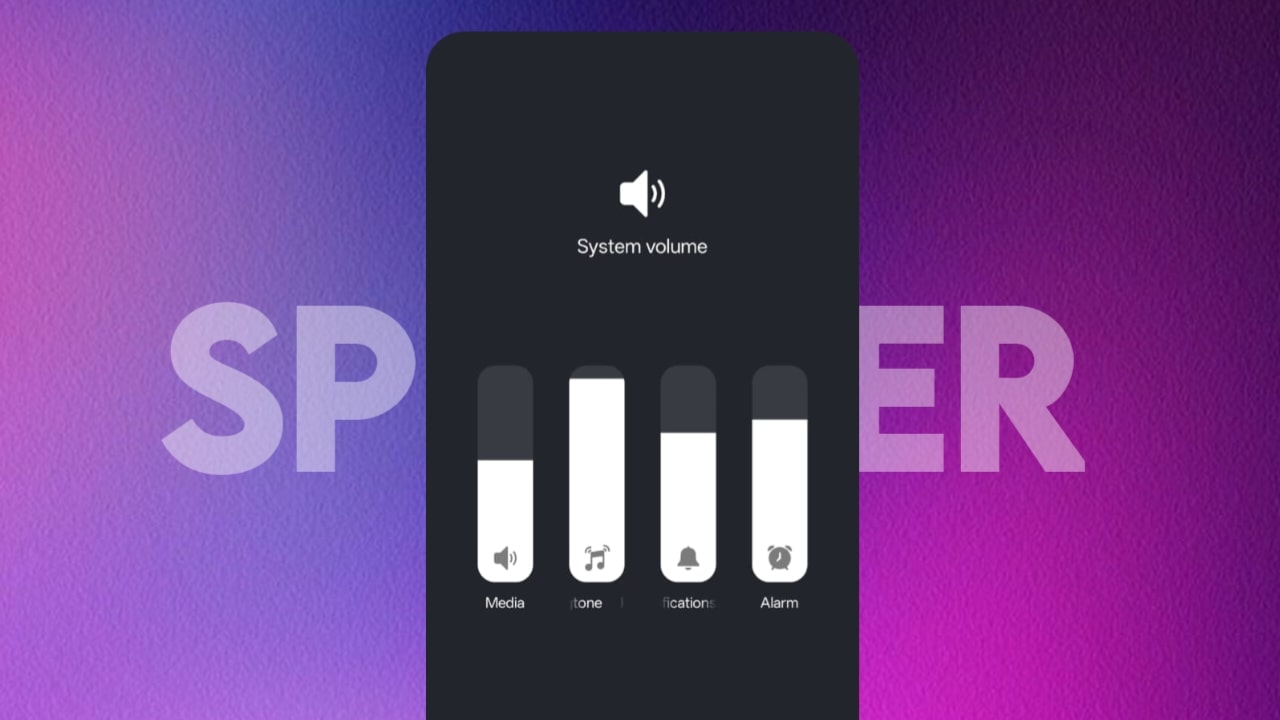
Many people don’t realize this, but phones intentionally limit volume to protect hearing and hardware.
This is common in:
- Android phones (especially Samsung, Xiaomi, Realme)
- iPhones (EU & Asia region settings)
On Android
Go to: Settings → Sound & Vibration → Volume
Check for:
- Media volume limit
- Safe volume warning
- Dolby / Audio enhancement options
- Disable or increase the limit (you may need to confirm a warning).
Some brands also hide volume caps under:
- Digital Wellbeing
- Headphone safety
- Sound effects
On iPhone
- Go to: Settings → Sounds & Haptics
- Turn Change with Buttons ON
- Disable Reduce Loud Sounds
- Set Volume Limit to maximum
When I disabled the volume limiter on my device, the speaker immediately felt clearer and louder without distortion.
This step improves software-restricted volume, not physical loudness-but the difference is noticeable.
3. Use Trusted Third-Party Volume Booster Apps (With Caution)
If cleaning and settings aren’t enough, third-party apps can help boost output by adjusting audio gain and equalization.
- However, not all apps are safe.
- What These Apps Actually Do
- Increase audio gain digitally
- Enhance mid and high frequencies
- Improve perceived loudness (not hardware power)
Best Practices
- Use apps with high ratings and real reviews
- Avoid apps that demand unnecessary permissions
- Start with a 10–15% boost, not maximum
Overusing boosters can:
- Cause speaker distortion
- Reduce speaker lifespan
- Drain battery faster
From experience, a small boost + EQ tuning works better than max boosting.
Also Read:
- Retro Vintage style Photo in gemini prompt for Boys and Girls in Saree
- How to use Shazam on Snapchat (Why is Snapchat Sazam not working)
Final Thoughts (From Real Use)
If your phone speaker volume feels low, don’t rush to the service center or assume damage. In 80% of cases, the issue is:
1. Dust blockage
2. Software volume limits
3. Poor audio tuning
Start with cleaning, it’s free and effective. Then check your sound settings. Only use third-party apps as a last option and responsibly.
Your phone’s speaker is stronger than you think; it just needs the right care.
FAQ
Q1. Can cleaning really increase speaker volume?
Yes. Dust blocks sound waves. Proper cleaning can restore original loudness and clarity almost instantly.
Q2. Are volume booster apps safe?
They are safe if used carefully. Avoid extreme boosting and choose trusted apps only.
Q3. Why does my phone sound low even at full volume?
Usually due to – Dust accumulation, Enabled volume limit, Region-based sound restrictions
Q4. Can high volume damage my phone’s speaker?
Yes. Continuous use at maximum boosted volume can cause distortion and permanent damage over time.
Q5. How often should I clean my phone speaker?
Once every 2–3 months, or more often if you work in dusty environments.