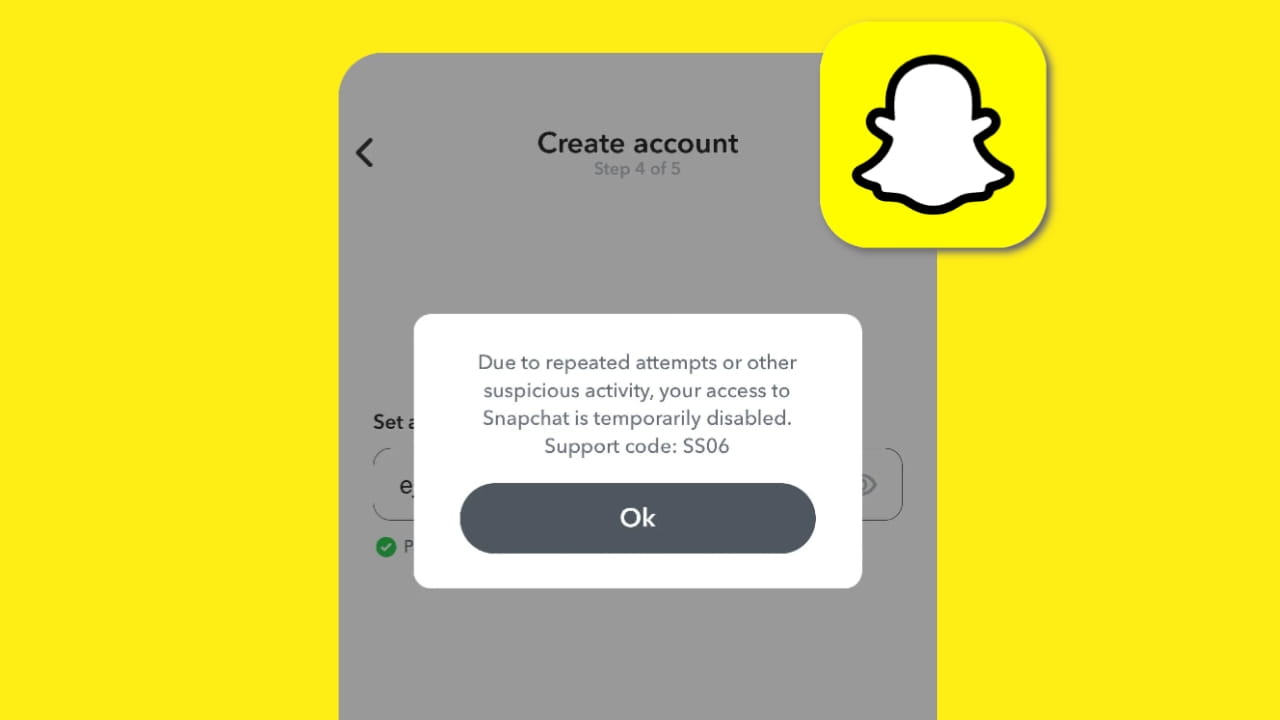
Snapchat is widely used for personal communication, content creation, and daily social interaction. When a user suddenly encounters the SS06 Device Banned error, it creates confusion and frustration because the app stops working completely on that phone. I personally faced this issue on an Android device and spent several days understanding what actually triggers this error and which solutions work in real situations. This guide explains the issue in depth, including causes, realistic fixes, and prevention methods based on actual user experiences.
What Is Snapchat SS06 Device Banned Error
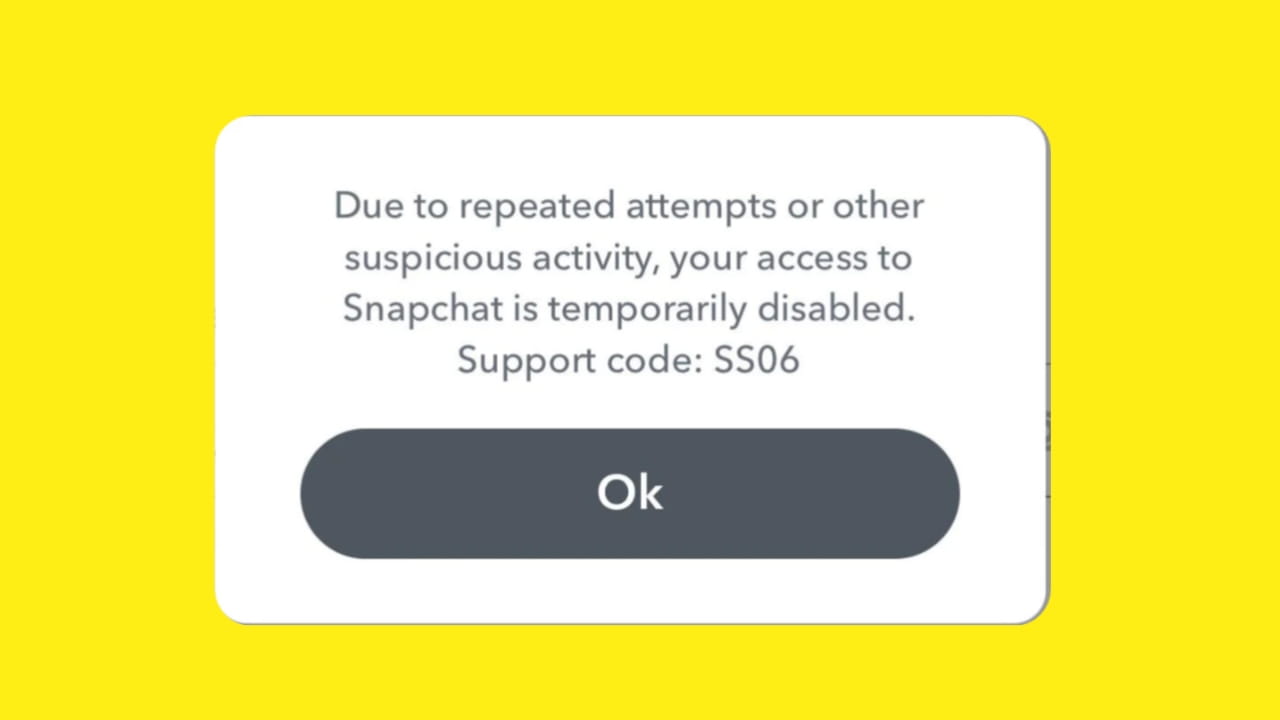
The SS06 error means Snapchat has restricted access at the device level rather than the account level. Even if you log out, uninstall the app, or create a new Snapchat account, the error continues to appear on the same device. This happens because Snapchat assigns unique identifiers to every phone, and once those identifiers are flagged, Snapchat blocks all login attempts from that device.
This type of ban is stronger than a normal account lock and is usually applied when Snapchat detects repeated policy violations or suspicious activity.
Why Snapchat Bans a Device
In most cases, the SS06 error does not appear randomly. Snapchat applies this restriction when it believes a device poses a security or abuse risk. The most common reasons include
- Use of third-party or modified Snapchat applications that violate Snapchat’s terms
- Logging into multiple Snapchat accounts repeatedly on the same device
- Using VPN or proxy services while accessing Snapchat
- Running Snapchat on a rooted or heavily modified Android device
- Repeated temporary locks caused by spam behavior or automation
From real user experiences, even one mistake such as using a modded app can lead to a long-term device ban.
How Long Snapchat SS06 Device Ban Lasts
Snapchat does not officially announce the duration of device bans. Based on community reports and personal experience, the ban duration varies depending on the severity of the violation.
- Temporary device bans may last from 24 hours to a few weeks
- Extended bans can last several months
- Permanent device bans may never be removed
The most difficult part is that Snapchat does not tell the user whether the ban is temporary or permanent.
How to Fix Snapchat SS06 Device Banned Error
Fixing the SS06 error requires patience and caution. There is no instant solution, but some methods are safer and more effective than others.
Contact Snapchat Support
The safest and most legitimate option is contacting Snapchat support directly. While this method does not guarantee success, it shows compliance with Snapchat’s policies.
When submitting a request, explain clearly that
- You are using the official Snapchat app
- You are not using VPNs or third-party tools
- You have secured your device
In many cases, Snapchat replies within a few days, but the final decision depends on the severity of the violation.
Wait Without Reinstalling Snapchat
For temporary bans, waiting is often the most effective solution. Repeated login attempts only make the situation worse.
If you suspect a temporary ban
- Uninstall Snapchat from your device
- Avoid logging in for at least 7 to 14 days
- Do not attempt to create new accounts during this period
Many users report automatic unbans after waiting patiently.
Use the old Snapchat Application
One commonly discussed workaround is using an older version of the Snapchat application. Some older versions have weaker device checks, which may allow login on banned devices.
This method usually involves
- Uninstalling the current Snapchat version
- Installing an older APP version
- Attempting to log in normally
However, this approach is risky. Snapchat may permanently ban the account if unusual activity is detected. This solution should never be used as a long-term fix.
Use a Different Device
Since the SS06 ban is applied to the device, logging into Snapchat from a different phone often works immediately. In most cases, the account itself is not banned.
This confirms that
- The issue is hardware-based
- The Snapchat account is still active
Switching devices is currently the safest immediate solution.
Factory Reset and Device Changes
Many users try factory resets or system cleanups. In reality, these methods rarely work because Snapchat tracks deeper hardware identifiers.
Actions that usually do not help include
- Factory resetting the phone
- Creating a new Google account
- Clearing app data repeatedly
Attempting advanced system changes can lead to security risks and should be avoided.
What You Should Avoid After SS06 Error
After encountering the SS06 error, certain actions can turn a temporary ban into a permanent one.
Avoid the following
- Installing modded or cracked Snapchat apps
- Logging into multiple accounts repeatedly
- Using VPNs or proxy services
- Running Snapchat on rooted devices or emulators
Each of these actions increases the risk of permanent restriction.
How to Prevent Snapchat Device Ban in the Future
To prevent device-level bans in the future, responsible usage is essential.
Follow these best practices
- Always use the official Snapchat app
- Avoid logging into multiple accounts on one device
- Do not use VPNs while accessing Snapchat
- Avoid spam activity and automation
- Keep your device unrooted and secure
These habits significantly reduce the risk of device bans.
Frequently Asked Questions
Can Snapchat SS06 device ban be removed permanently
If the ban is temporary, it may be removed automatically. Permanent device bans usually cannot be reversed.
Does creating a new Snapchat account fix the SS06 error
No, because the restriction is applied to the device, not the account.
Is using an old Snapchat version safe
It may work temporarily, but it carries a high risk of permanent account suspension.
Will changing IMEI or device identifiers work
This is unsafe, illegal in many regions, and strongly discouraged.
Does Snapchat inform users about ban duration
No, Snapchat does not provide any timeline for device bans.
Final Thoughts
The Snapchat SS06 Device Banned error is one of the strictest actions taken by Snapchat. Most users encounter it after violating policies knowingly or unknowingly. While shortcuts may offer temporary access, they often lead to permanent loss. The safest approach is patience, compliance, and responsible usage. Treat Snapchat as a long-term platform, and device bans become much easier to avoid.

Im Snapchat user, support code ss06 fix my id
mera bhi hogya ha kese unbanned hoga ab?
Snapchat device is band kya problem ki vaja se huva hei. & mane Koye asa nhi keya hei jo comment guideline ke khelaf ho please unlock my Snepchat device 🙏
SS06 problem
Snapchat ki ID login Nahin ho rahi SS06 a raha hai.
Id Ben ho gai plz help me 🙏🏻
My account sos divorce band ho gya hai please Recover my account.
Please help
Maina koi galti nhi kiya plz my Snapchat unblock plz
i bought this phone yesterday and this is the second hand phone and the device has been banned for snapchat (SS06),i want you to unlock this because its not my mistake.
Please unblock my device
My account was permanently locked & device banned due to a false report. A snap of my allergy medication was misunderstood as “drugs.” I have a 700k score & 9k followers. I have make appeal but its also not work , plz help me what i have to do i dont have any dual application onption in mobile
*_”Dear Snapchat Team,
My friend sent me 1 pic and told me to forward this pic. I didn’t know that sending this pic would get my ID banned.
I promise this won’t happen again. Please unban my ID as soon as possible.
Thanksss