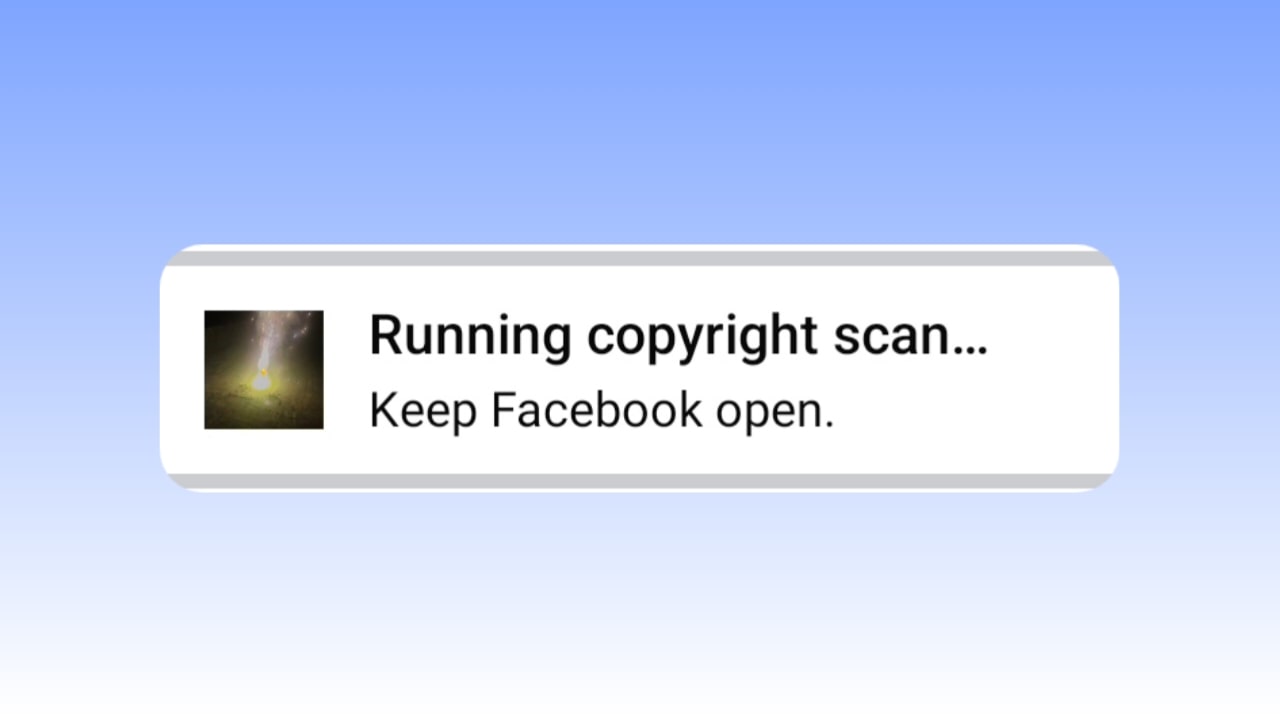
Facebook is a very popular platform, and you get to see the maximum number of users in the world on Facebook. If you also post on Facebook, then you must have seen a new update on Facebook recently, in which, as soon as you post on Facebook, you get to see “Running Copyright Scan”. Today in this blog, we will know how you can remove it and why it has come. What is Facebook Running a Copyright Scan?
When you post a video or reel on Facebook, Facebook algorithmically checks your content to ensure it’s not copied or copyrighted elsewhere. This process typically takes 30 to 45 seconds after uploading.
How to Remove Facebook Running Copyright Scan
If your content is original, “Running Copyright Scan” will automatically remove it within 30-45 seconds. However, if your content contains copyright issues, it won’t be published. Furthermore, if you use the older version of Facebook, you won’t encounter this issue because the previous version didn’t receive this update.
Is Facebook Running Copyright Scan Safe?
If your content is original, this process is completely safe for you; you won’t face any issues. You just need to wait a little while; this sign will automatically appear.
Also Read:
- WhatsApp’s New Passkey-Encrypted Backup
- Pinterest Ai Assistant: The Future of Visual-First AI Shopping & Personalized Inspiration
What is the benefit of Facebook Running Copyright Scan?
Now, let’s find out what the benefit of Facebook Running Copyright Scan is and what benefits it will provide to Facebook users.
- Your Facebook content will be safer and secure.
- No user will be able to post copyrighted content.
- Your posts will be more secure because no one will be able to monetize them by reusing them.