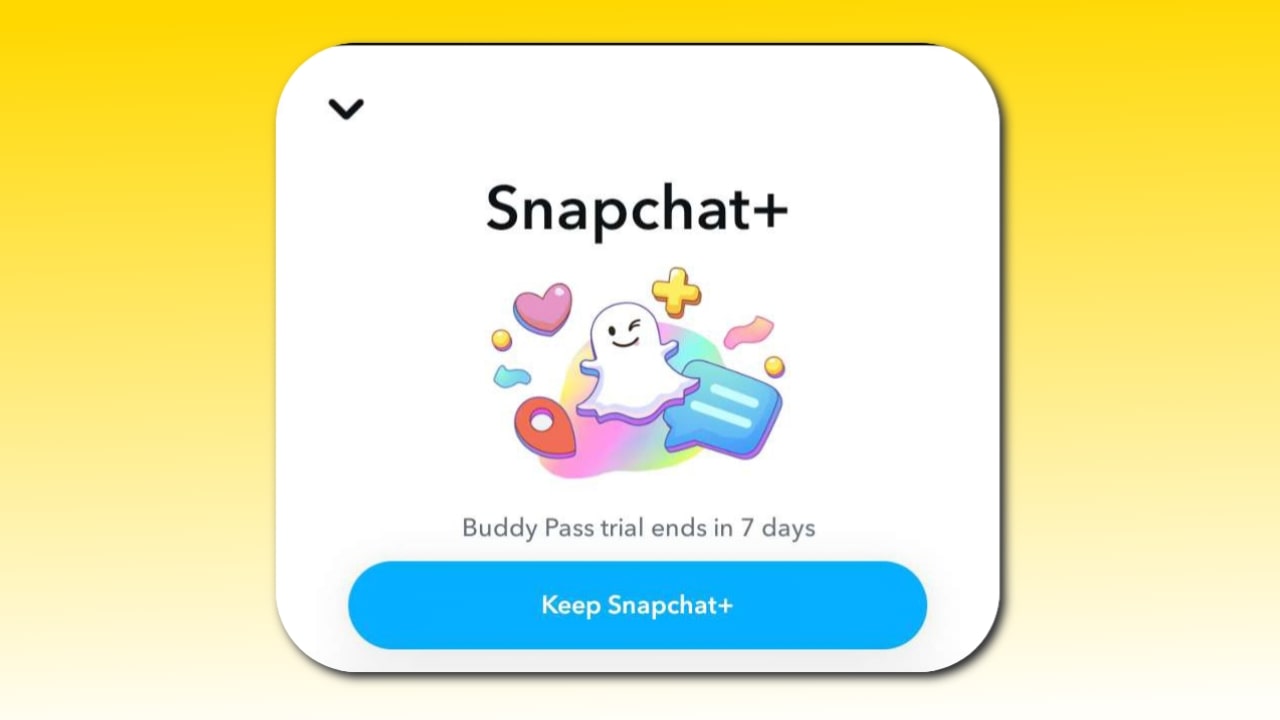
The Snapchat+ buddy plan is a premium Snapchat plan available only to those who have already subscribed to the Snapchat+ premium plan. You can then send this pass to any of your friends, allowing them to enjoy the Snapchat+ buddy plan for free. This free trial is available for 1 week. You receive a buddy pass every month, which you can give to any of your friends, allowing them to enjoy premium features for free.
Snapchat’s way of saying “share the fun” is to let more people enjoy Snapchat+’s exclusive features.
How do I share a Snapchat+ buddy pass with my friend?
Here are some steps to share a buddy pass with your friends:
- Open Snapchat and tap the profile icon at the top.
- Then click the Snapchat+ badge on your profile.
- Scroll down and find the buddy pass option.
- Click Buddy Pass and select the friend you want to send this pass to.
- Your friend will then receive a notification or link in Chat allowing them to claim the Snapchat+ free trial.
- Once they accept it, they will receive free access to Snapchat+ for one week.
Snapchat buddy pass rules?
The “Buddy Pass” feature on Snapchat+ is quite interesting, yet many people are unaware of the specific rules governing it. The Snapchat+ Buddy Pass feature is divided into three distinct parts:
1. You Are a Snapchat+ Subscriber: Let’s assume you currently hold a Snapchat+ subscription; this makes you eligible to utilize the Buddy Pass feature. However, the most surprising aspect of this feature is that you cannot use it for yourself, since you already possess an active Snapchat+ subscription and have access to all its features.
2. Sending a Buddy Pass to a Friend: Now, suppose you wish to send a Buddy Pass to one of your friends. To do so, you must follow these steps:
1. Open your Snapchat profile.
2. Tap on “Snapchat+.”
3. Scroll through the list of Snapchat+ features and tap on “Buddy Pass.”
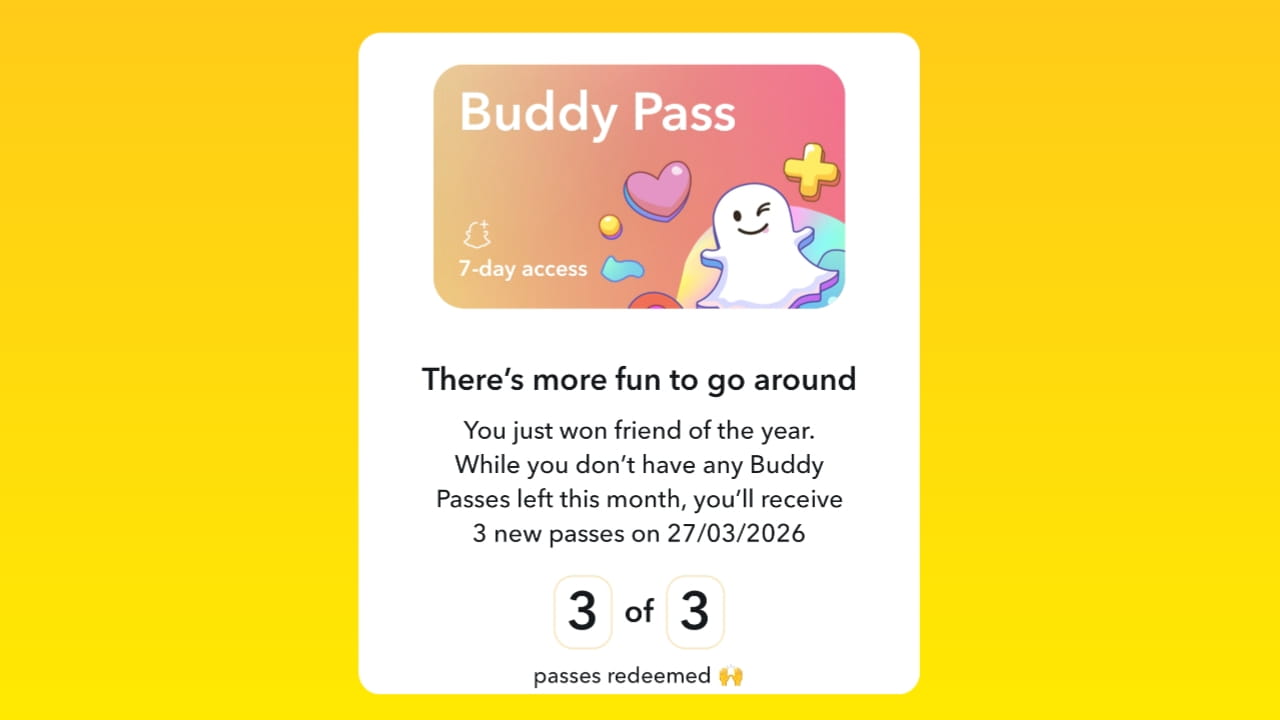
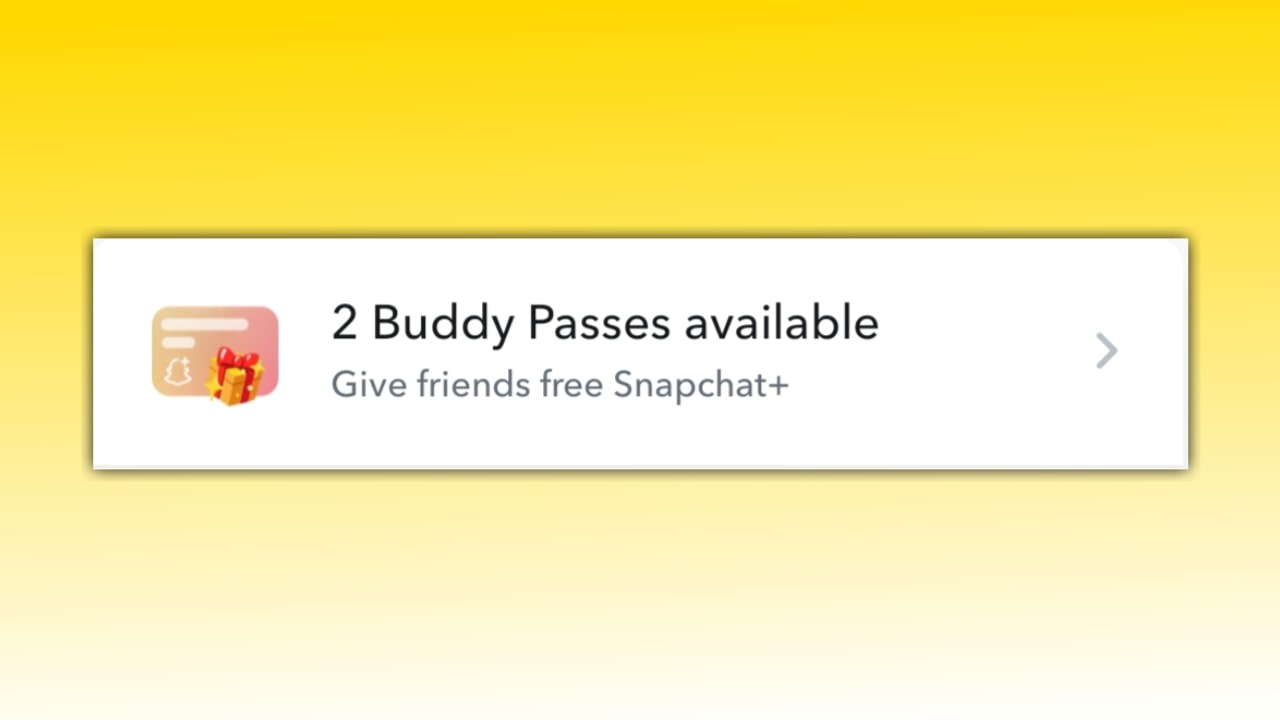
4. The screen will display how many Buddy Passes are currently available within your monthly limit; typically, Snapchat+ users receive 3 Buddy Passes each month.
5. If you wish to share a Buddy Pass with a friend, tap on “Share Buddy Pass.”
6. Your friend list will appear; simply tap on the name of the friend you wish to send it to. A link to claim the Buddy Pass will then be sent to that user via chat.
Important Note: If you attempt to share a Buddy Pass and see a notification stating “Friend not eligible,” it indicates that you have recently shared a Buddy Pass with that specific friend.
3. Your Friend Claims the Buddy Pass: As soon as your friend opens your chat, they will find the Buddy Pass link you sent. The moment your friend taps on this link, the Buddy Pass will be successfully claimed, granting them a 7-day free trial of Snapchat+, without requiring any payment or the submission of credit card information. After 7 days, you will receive a notification stating that your Snapchat+ subscription has expired and prompting you to renew it. If you do not renew it within a total of 9 days, your Snapchat+ subscription will expire.
How to claim Snapchat plus buddy pass?
Claiming a Snapchat Plus Buddy Pass is quite simple; you just need to open the chat of the friend who sent you the Buddy Pass claim link. Within the chat, tap on the Buddy Pass link; your Buddy Pass will automatically activate within 5–10 seconds, granting you access to Snapchat Plus features.
How to cancel a Buddy pass on Snapchat+?
If you have sent your Buddy Pass to someone, you cannot cancel it, and your monthly Buddy Pass will also be reduced.
For example: If you send 1 Buddy Pass to someone, your available Buddy Passes will reduce from 3 to 2.
Snapchat Buddy Pass not eligible
If you are sending a Buddy Pass to a friend and encounter the message “Friend not eligible for Buddy Pass,” it indicates that your friend is ineligible for the pass, most likely because you have already sent them a Buddy Pass recently or during the previous month. In such a scenario, please wait two months before attempting to send the Buddy Pass to that friend again, to ensure you do not encounter this issue once more.
Can you send a Buddy pass to the same person twice
Speaking from my personal experience, I can say that you can send a Buddy Pass to a friend twice, but not continuously every month.
For example: If you send a Buddy Pass to a friend and they accept it, you will have to wait until the third month to send them another one; in the second month, you will encounter a “friend not eligible” issue.
How many Buddy passes can you receive on Snapchat?
With your Snapchat+ subscription, you receive three Buddy Passes every month that you can share with three of your friends. If they claim a Buddy Pass, they can use Snapchat+ features for free for 7 days.
Benefits of Snapchat+ Buddy Pass
Here are some of the benefits of the Snapchat+ Buddy Pass:
- Free Snapchat+ access: Your friend can experience the free Snapchat+ plan without paying any money.
- Exclusive Features: They will be able to enjoy exclusive features like a story re-watch indicator, a best friend solar system, and custom icons in advance, Black Star badge.
- No extra loss: If you share your Snapchat+ plan with your friend, you don’t lose any features; you just share an experience.
- Bonus for Snapchat+ users: Snapchat gives its loyal subscribers the opportunity to share more buddy passes from time to time.
Who is eligible for the Snapchat+ buddy pass?
- Only Snapchat+ users can share buddy passes.
- Snapchat gives each subscriber a limited number of passes, such as one per month or as part of a special promotion.
- You should know that the friend you are sending this pass to may not have a Snapchat+ subscription.
- Your friend can use this pass only for a limited time. If he wants, he can take a paid subscription to Snapchat.
Why Snapchat Launches Snapchat+ Buddy Pass?
Snapchat launched the Snapchat+ Buddy feature so that more users can experience Snapchat Plus’ features and later purchase a paid subscription, which benefits the company. According to Snapchat’s 2024 Newsroom report, Snapchat Plus already has 11 million users, and Snapchat wants to increase this number.
Also Read:
- How to Solve Snapchat Memories Storage Full Issue (2025 Guide)
- What does a Sand Timer means on Snapchat?
Conclusion
If you’re a Snapchat Plus user, I think this feature is quite good because by using it, you can easily give Snapchat Plus to three of your friends for free for 7 days. And if you’re experiencing Snapchat Plus features for free, I’d recommend that you only get the Snapchat Plus plan if you use Snapchat very actively; otherwise, you can skip it.
What is Snapchat Plus?
Snapchat Plus is a paid subscription that gives Snapchat Plus subscription users access to additional and premium features and lenses.
Who is not eligible for the Snapchat Plus Buddy Pass feature?
If you’re not a paid Snapchat Plus user, you won’t get the Snapchat Plus Buddy Pass feature.
What are the cons of the Snapchat Plus Buddy Pass?
Using Snapchat Plus through the Snapchat Plus Buddy Pass can lead to addiction to Snapchat Plus features, and the most problematic aspect is that the free trial is only for 7 days.
Why am I not getting the Snapchat Plus Buddy Pass feature?
If you don’t have a Snapchat Plus subscription, the Snapchat Plus Buddy Pass won’t be displayed. Additionally, you may also encounter this issue if your Snapchat isn’t updated.
How to gift Snapchat plus for 7 days?
You need to go to Snapchat+ and tap on the ‘Buddy Pass’ feature; then, tap on ‘Share Buddy Pass,’ select a friend, and send it to them. As soon as your friend claims the Buddy Pass within the chat section, they will receive a 7-day free trial of Snapchat+. However, the only condition for this is that you must already have an active Snapchat+ subscription.
Snapchat buddy pass price?
The Snapchat Buddy Pass itself has no actual cost; this feature is provided free of charge to Snapchat+ subscribers, allowing them to offer a 7-day free trial to a friend. However, to utilize the Snapchat Buddy Pass, one must have an active Snapchat+ subscription, which costs $3.99 per month or $39.99 per year.


2 thoughts on “What is Snapchat+ Buddy Pass? Claim, Not Eligible, Rules, How to Use It”