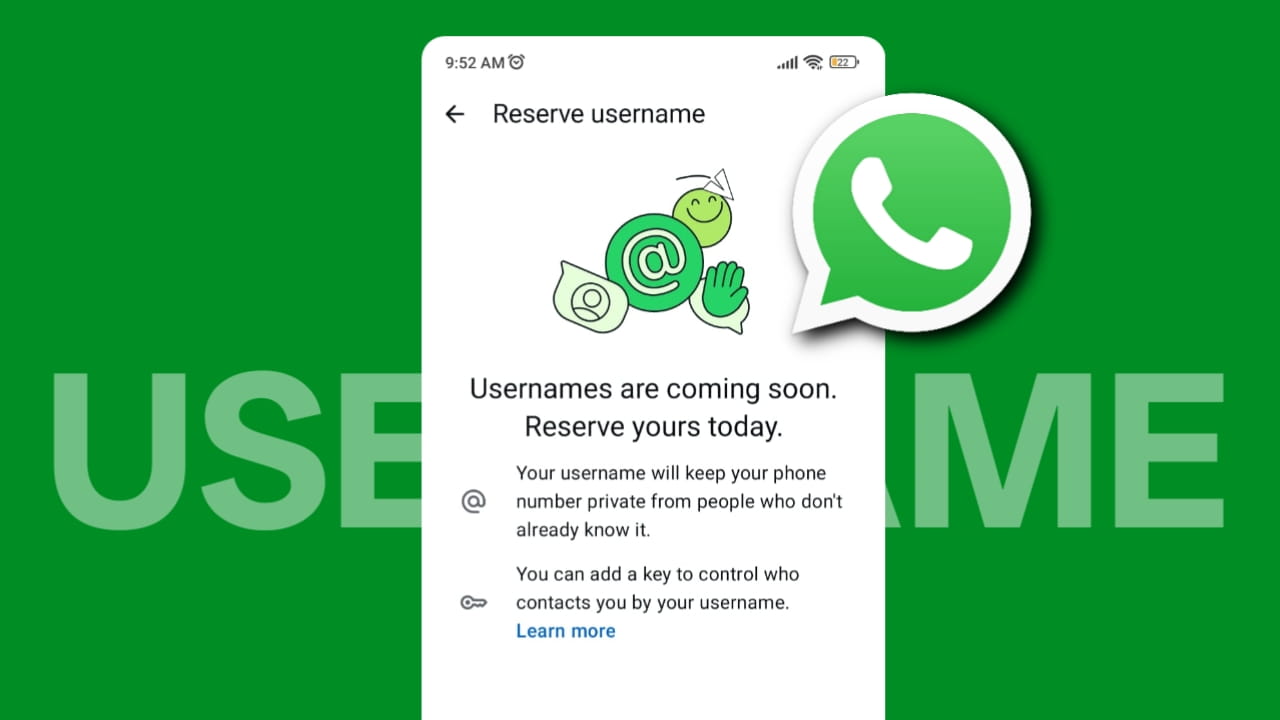
When I first heard that WhatsApp was finally bringing usernames, my first reaction was, “It’s about time!”
For years, WhatsApp has depended completely on phone numbers. Every time I wanted to connect with someone new, whether it was a freelancer, a client, a seller, or even someone from a WhatsApp group, I had to share my personal number. Sometimes it felt uncomfortable because once someone has your number, you can’t really take it back.
In this article, I’ll explain everything you need to know about the WhatsApp Username update, including how it works, how to reserve your username, its advantages, disadvantages, security tips, and finally, my personal opinion after understanding this feature in detail.
What is WhatsApp Username Update?
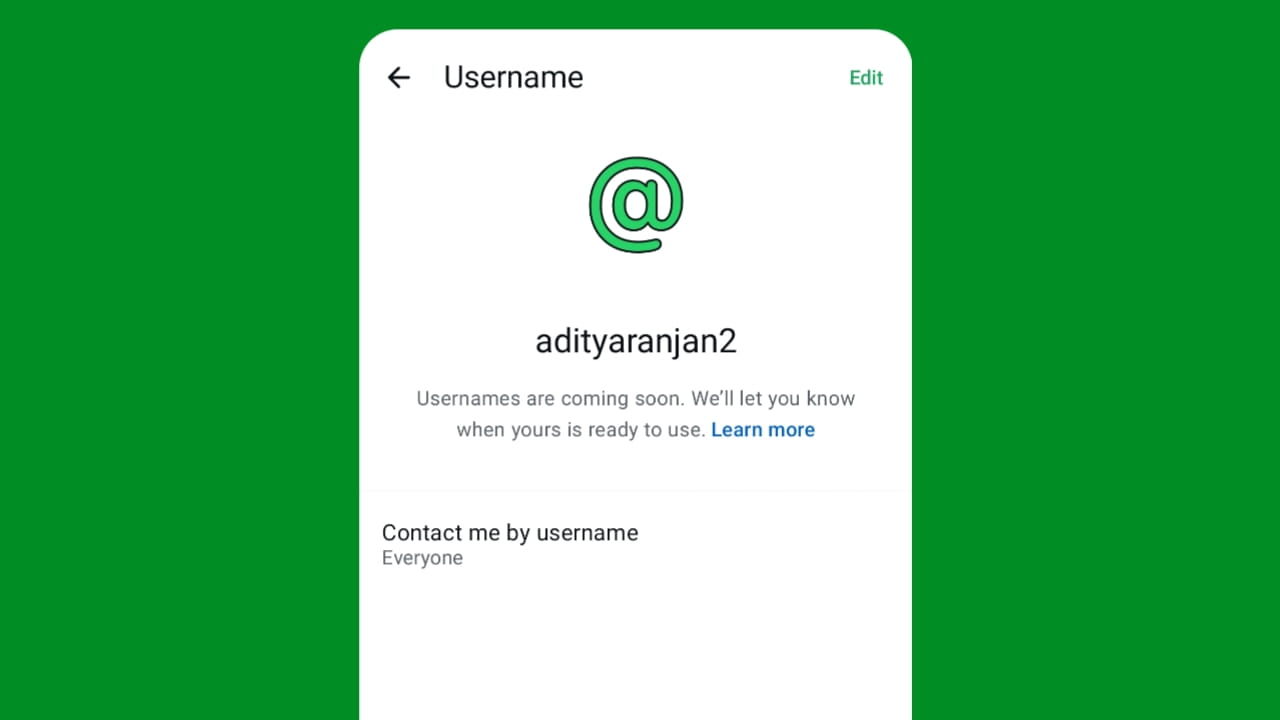
The WhatsApp Username feature is a new privacy-focused update that allows users to create a unique username, such as @YourName123, instead of sharing their phone number with new people.
Earlier, WhatsApp worked differently from apps like Telegram or Discord. Your mobile number was your identity. If someone wanted to message you, they needed your phone number.
With this update, that’s changing. Once usernames become available for everyone, new people will be able to start a conversation using your username instead of your phone number. Existing contacts who already have your number saved will continue to see your phone number as usual.
Another interesting point is that usernames are completely optional. If you don’t want one, you can continue using WhatsApp exactly as before. You can also change or delete your username later if needed.
From my perspective, this is one of the biggest WhatsApp updates in recent years because it changes the way people connect while giving users much better control over their personal information.
Why WhatsApp Launched the Username Feature?
If you’ve been using WhatsApp for years as I have, you’ll probably agree that sharing your phone number with strangers has always been one of the biggest drawbacks of the platform.
Think about situations like:
- Joining a college or office WhatsApp group
- Talking to an online buyer or seller
- Contacting a freelancer or client
- Asking someone a question after attending an event
- Speaking with a customer support representative
In all these situations, your personal phone number becomes visible. Even if you only wanted a short conversation, the other person could still save your number or contact you later.
I have personally experienced this a few times. Sometimes, after completing a collaboration or helping someone online, my number remained with people I barely knew. Although nothing serious happened, I always wished there was an option to communicate without exposing my personal number.
How to Reserve and Set WhatsApp Username?
At the time of writing this article, WhatsApp is rolling out username reservations gradually. So if you don’t see the option yet, don’t worry. It doesn’t mean your account is missing the feature it simply hasn’t reached your region or account yet.
Step 1: Update WhatsApp
Before checking anything else, make sure you’re using the latest version of WhatsApp from the Play Store or App Store.
Step 2: Open Settings
Open WhatsApp and tap Settings.
Step 3: Open Your Profile
Tap your profile section at the top.
Step 4: Tap “Create Username” or “Reserve Username”
If the feature is available, you’ll see the option to create or reserve a username.
Step 5: Choose Your Username
Enter the username you want. you can also read our blog to get so many stylish and unique username ideas for boys and girls.
If it’s already taken, WhatsApp can automatically suggest similar usernames based on your choice. If you want, you can also claim your Instagram or Facebook username by signing in, but I will advise you to choose a unique username.
Username Rules
Your username should follow these rules:
- Between 3 and 35 characters
- Can contain lowercase letters (a–z)
- Can include numbers
- Can include periods (.) and underscores (_)
- Cannot contain only numbers
- Must be unique
- Cannot contain restricted words or phrases
Can You Use Your Instagram or Facebook Username?
Yes, if you already own the same username on Instagram or Facebook, WhatsApp lets you claim it through Meta’s Accounts Center (if it’s available and verified). This is especially useful for creators, businesses, and brands that want the same identity across Meta platforms.
My Suggestion
Personally, I don’t recommend choosing a very common username like @Rahul, @Tech, or @Gaming, because these are likely to be unavailable.
Instead, create something unique that’s easy to remember but difficult to guess, such as combining your name with your brand or a few numbers. This not only improves your chances of getting the username you want but also adds a small layer of privacy.
How Will the WhatsApp Username Feature Work?
At first, I thought WhatsApp usernames would work exactly like Instagram or Telegram. But after reading the official information, I realized WhatsApp has taken a different approach that focuses much more on privacy than discoverability.
Here’s how the feature will work once it is fully available.
1. New People Can Contact You Using Your Username
Instead of sharing your mobile number, you can simply share your WhatsApp username.
For example, instead of saying:
“Message me on +91 XXXXX XXXXX.”
You can simply say: “Message me on @YourUsername.”
The biggest advantage is that your phone number stays hidden from people who don’t already have it saved. Existing contacts will still continue using your phone number as before.
2. There Is No Public Username Directory
- This is one feature that impressed me the most.
- Unlike Instagram, you cannot randomly search thousands of usernames or browse public profiles.
- Someone must already know your exact username before they can start a conversation with you. WhatsApp has intentionally avoided creating a searchable username directory to reduce spam and protect user privacy.
This means choosing @AdityaGyan doesn’t automatically make your profile visible to everyone.
3. Username Key Adds Another Layer of Security
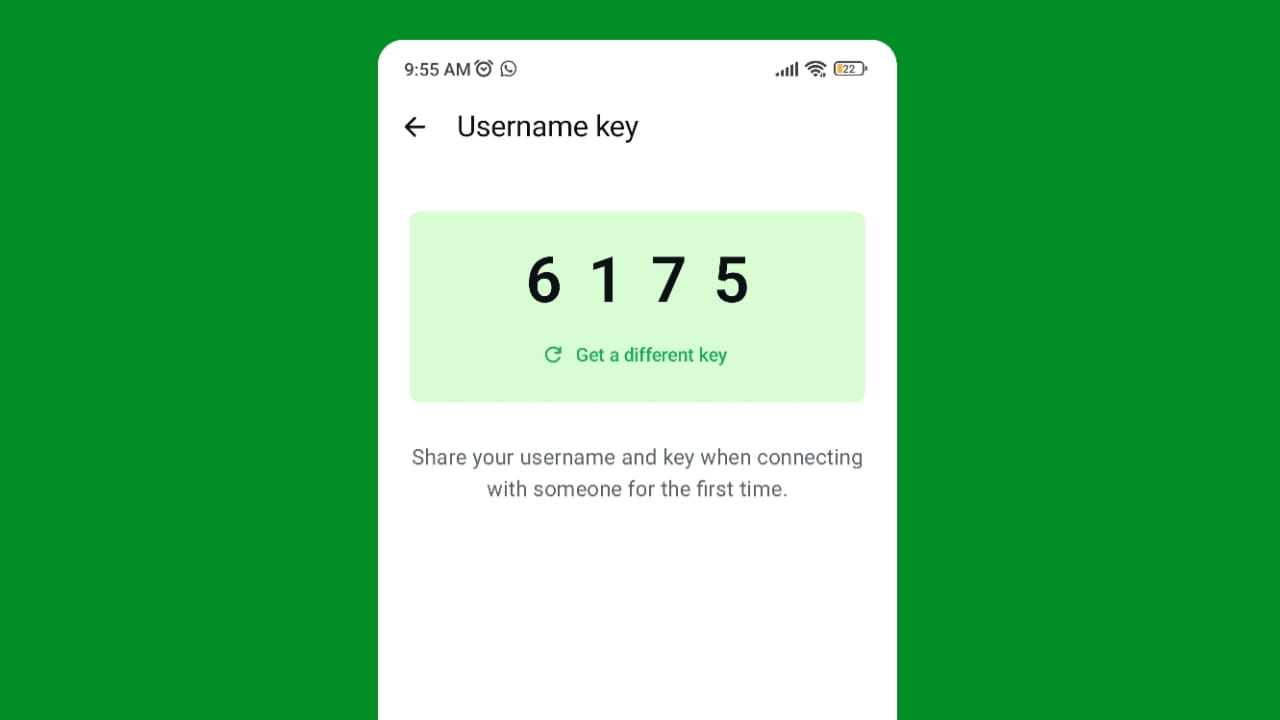
WhatsApp is also introducing something called a Username Key. Think of it as an optional security PIN for your username. If you enable it, knowing your username alone won’t be enough. The other person must also know your Username Key before they can message you for the first time.
Personally, I think this feature will be extremely useful for creators, influencers, business owners, and anyone whose username is publicly available online.
4. Your Chats Stay End-to-End Encrypted
One thing that doesn’t change is WhatsApp’s end-to-end encryption. Whether someone contacts you using your phone number or your username, your personal chats remain end-to-end encrypted. That means only you and the recipient can read the messages.
5. Usernames Are Optional
Another thing I appreciate is that WhatsApp isn’t forcing everyone to use usernames. If you’re comfortable sharing your phone number, you can simply ignore this feature and continue using WhatsApp exactly as before.
You can also create, change, or delete your username whenever you want, although WhatsApp does place limits on how frequently you can change it. If you delete a username, you’ll have a 14-day window to reclaim it before it becomes available to someone else.
Pros and Cons of WhatsApp Username Feature
Like every major update, this feature has both advantages and limitations. After understanding how it works, here is my honest opinion.
Pros
- Better Privacy: The biggest benefit is obvious: you no longer need to share your personal phone number with every new person you chat with.
- Safer Conversations: Whether you’re buying something online, joining a community, attending an event, or talking to a new client, your phone number remains private.
- Better for Creators and Businesses: Creators, freelancers, bloggers, and businesses can now share a professional username instead of publishing their personal mobile number everywhere.
- Optional Username Key: The Username Key gives users even more control over who can contact them, making spam and unwanted messages more difficult.
- Consistent Identity Across Meta Apps: If you already use the same username on Instagram or Facebook, you can claim it on WhatsApp as well, making it easier for your audience to recognize you.
Cons
- Popular Usernames May Already Be Taken: With billions of WhatsApp users, common usernames like @John, @Rahul, or @Tech are likely to disappear quickly.
- New Learning Curve: Many users have used WhatsApp with phone numbers for over a decade. Switching to usernames may feel confusing at first, especially for less tech-savvy users.
- Possible Scams Using Similar Usernames: Although WhatsApp has built multiple security protections, scammers may still try to create usernames that closely resemble well-known people or brands. That’s why users should always verify who they’re talking to before sharing sensitive information.
- Linking Meta Accounts May Reduce Privacy: If you choose to use the same username as your Instagram or Facebook account, people may be able to connect your profiles across different Meta platforms. If you prefer keeping your social accounts separate, using a different WhatsApp username is a better choice.
Overall, I believe the advantages clearly outweigh the disadvantages. Most of the downsides can be avoided by choosing a unique username, enabling the Username Key if needed, and being cautious when chatting with unknown people. And I think markets like India, WhatsApp needs to make awareness campaigns so that people know the complete information about WhatsApp usernames.
My Personal Opinion on the WhatsApp Username Feature
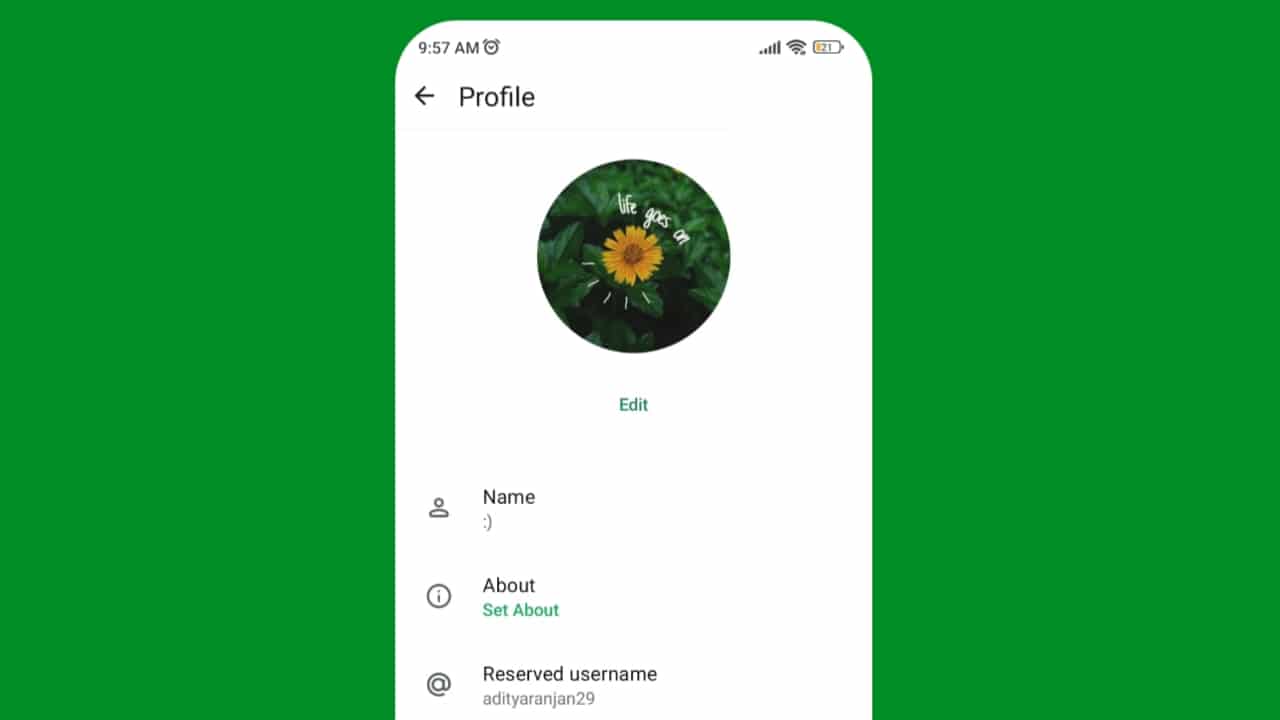
I tried out the WhatsApp username feature about five days ago, and personally, I really liked it. It allows me to connect with people, whether for brief conversations or with strangers, without having to share my phone number; I can simply share my username instead. However, I noticed that WhatsApp seems to have reserved many usernames, specifically those consisting solely of letters, even when they appear to be available. For instance, my name is “Aditya Ranjan,” and while my name and surname are quite unique, I still couldn’t get a username matching my name. I suspect Meta might be reserving these letter-based usernames for users who link their Instagram or Facebook accounts, particularly if the username matches across platforms.
While the username feature is excellent, it is crucial to run awareness campaigns regarding its usage and privacy implications in a market like India, as simple usernames could potentially lead to an increase in scams. In fact, the Indian government has recently issued a notice to Meta, asking them to pause the rollout of the username feature due to privacy concerns.
Faqs
1. Why are usernames coming to WhatsApp?
WhatsApp introduced usernames mainly to improve user privacy. Instead of sharing your personal phone number with every new contact, you’ll be able to communicate using a unique username. This is especially useful for people joining groups, contacting businesses, freelancers, or new acquaintances.
2. Is the WhatsApp Username feature safe?
Yes, based on the information released by WhatsApp, the feature is designed with privacy and security in mind. Your chats remain end-to-end encrypted; there is no public username directory, and users can optionally enable a Username Key for additional protection. However, like every online platform, you should still avoid sharing sensitive information with unknown people.
3. Can anyone message me with my username on WhatsApp?
Not exactly. Someone must know your exact username to contact you because WhatsApp doesn’t provide a public username search directory. If you enable the optional Username Key, they’ll also need that key before they can send you their first message.
4. What should I do if someone knows my WhatsApp Username?
If someone misuses your WhatsApp username or sends unwanted messages, simply block and report the account. For extra protection, enable the Username Key or change your username if needed.
5. How can I make my WhatsApp Username more secure?
Choose a unique username that doesn’t reveal personal information, and enable the Username Key for added security. Also, avoid using the same username as your public social media accounts if you want better privacy.


5 thoughts on “WhatsApp Username New Update Explained | My Honest Experience”