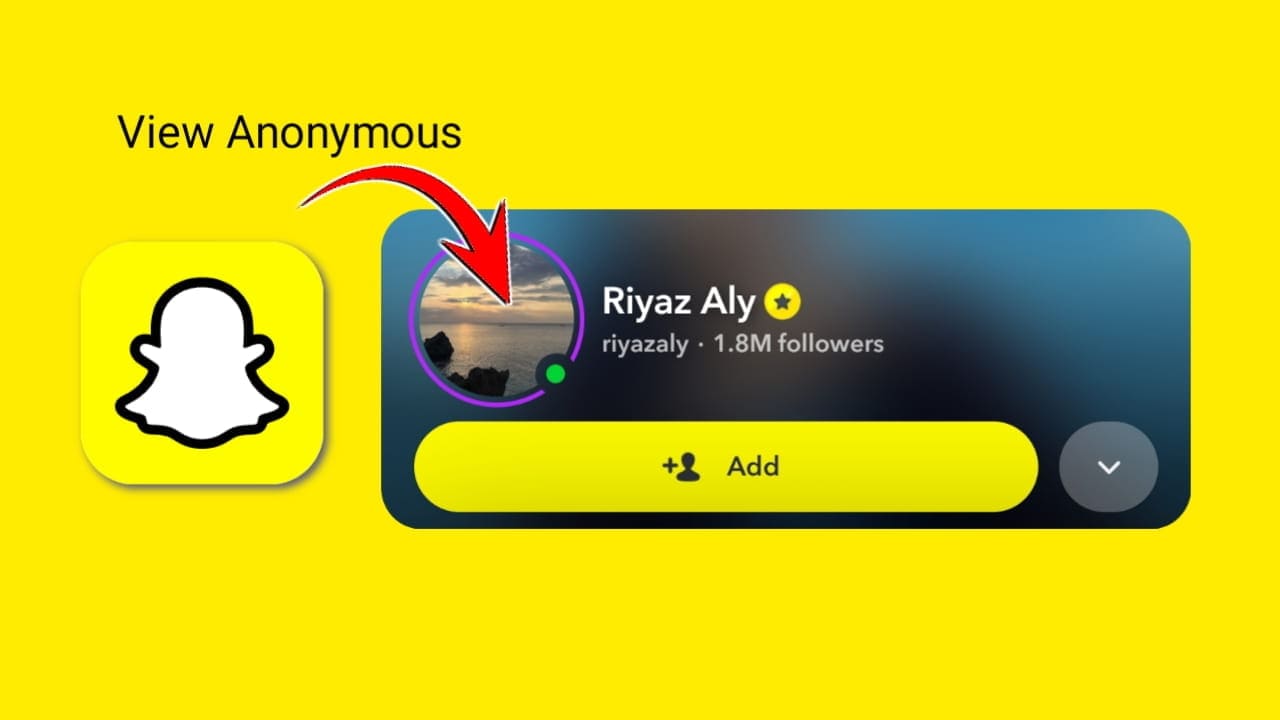
Snapchat is one of the only apps that won’t let you tap a profile picture to see it properly. You get a tiny circle in the app and that’s it. No way to zoom in, no way to expand it and no way to save it without taking a blurry screenshot. A lot of people run into this and there’s a straightforward fix. Here’s how to view and download any public Snapchat profile picture in full resolution.
Why Snapchat Won’t Let You View Profile Pictures in Full Size
This is a deliberate design choice by Snapchat. Unlike Instagram or Twitter where you can tap a profile picture to expand it, Snapchat keeps the display picture locked inside a small circle. It doesn’t matter whether the account is public or private. The app just doesn’t give you the option.
Screenshots from inside the app don’t help either. What you get is a small, cropped image that’s already been compressed down from the original. The full resolution file is sitting there on Snapchat’s servers, but the app has no built-in way to let you reach it.
Browser-based tools solve this. They fetch the original profile picture file directly from the source and display it at full resolution without any cropping or compression. And because it happens outside the app Snapchat has no way to detect it and the user gets no notification.
How to View a Snapchat Profile Picture in Full Size
ViewSnapStories lets you look up any public Snapchat profile and see the display picture in full resolution. Here’s how to use it.
- Go to viewsnapstories.com/profile-viewer in any browser.
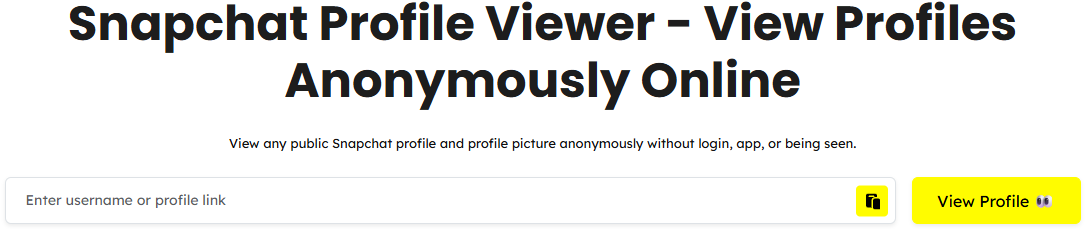
- Type the Snapchat username into the search box. You can enter a plain username, one with the @ symbol or a full profile link.
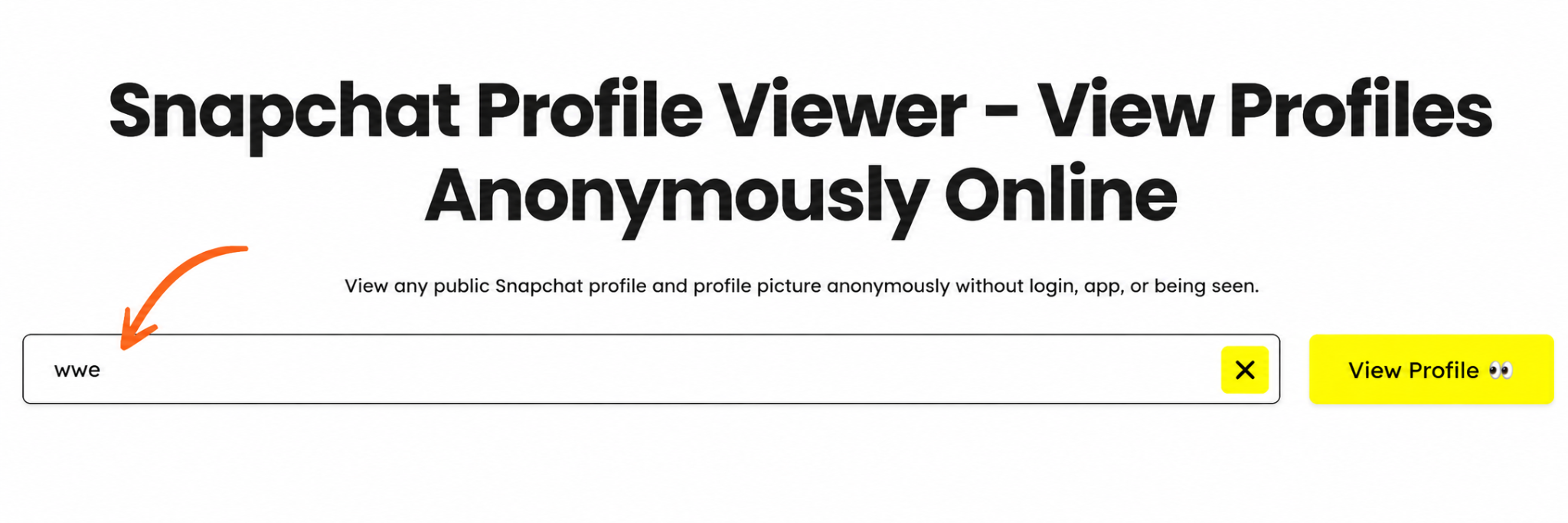
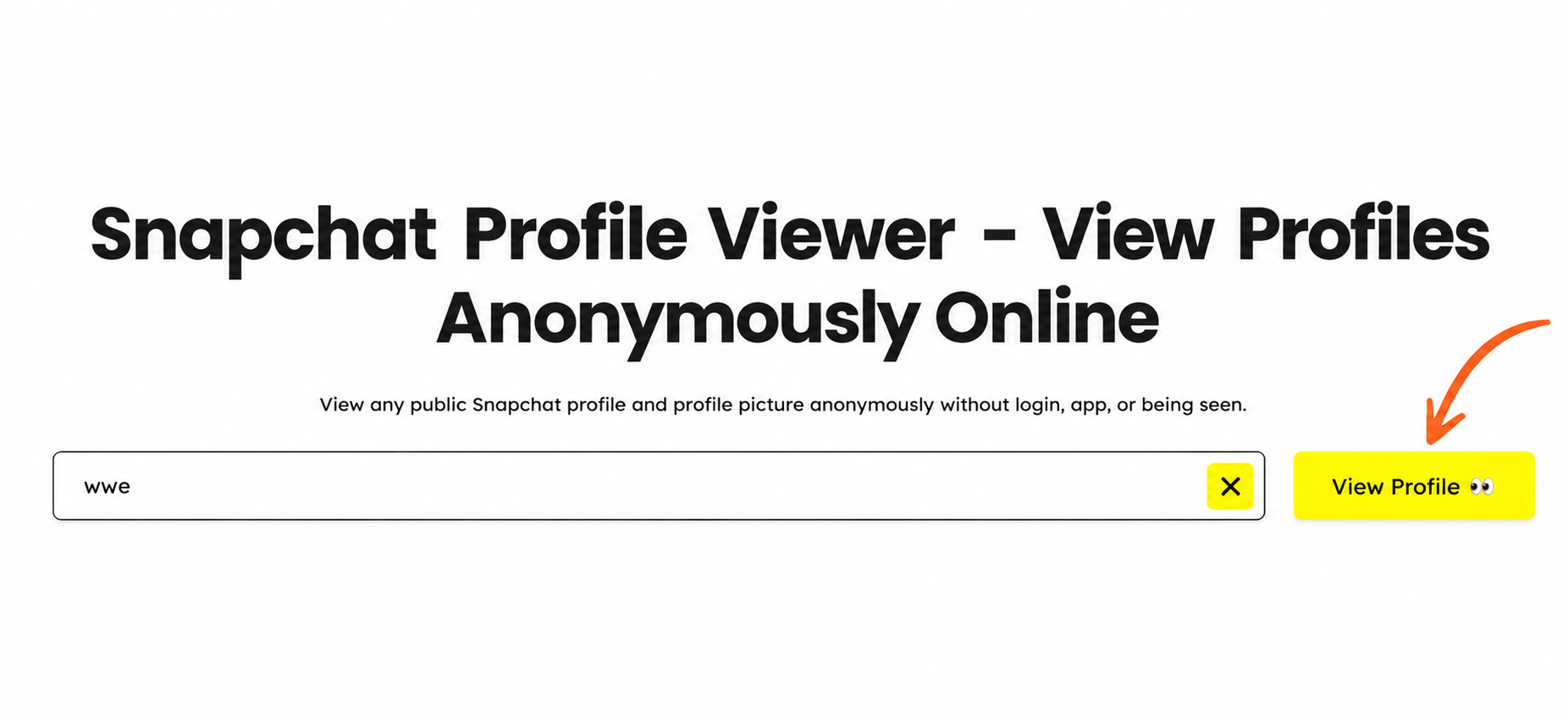
- Click the view profile button.
- The profile loads along with the display picture in full size.
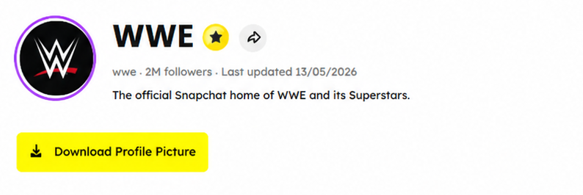
- You can view the picture clearly at full resolution directly in your browser.
The account owner gets no notification. Your name doesn’t appear anywhere on their end and no Snapchat login is needed at any point.
How to Download a Snapchat Profile Picture
Once the profile picture loads in full size on viewsnapstories.com/profile-viewer saving it to your device takes one extra step.
On Mobile
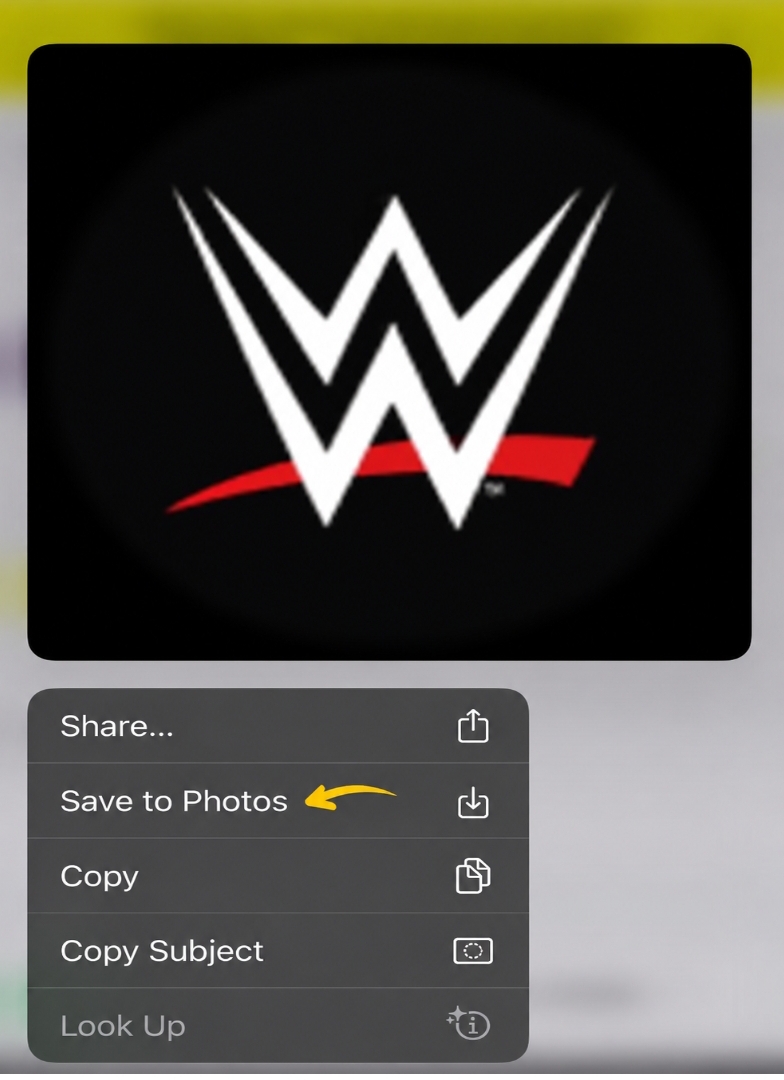
6. After the profile picture loads, press and hold on the image.
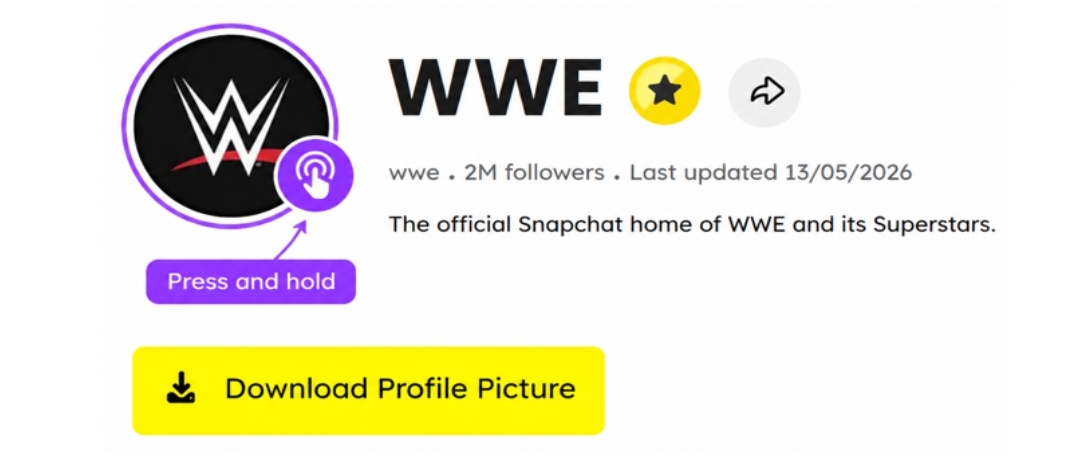
7. A menu will appear on your phone. Tap Save Image or Download Image depending on your device.
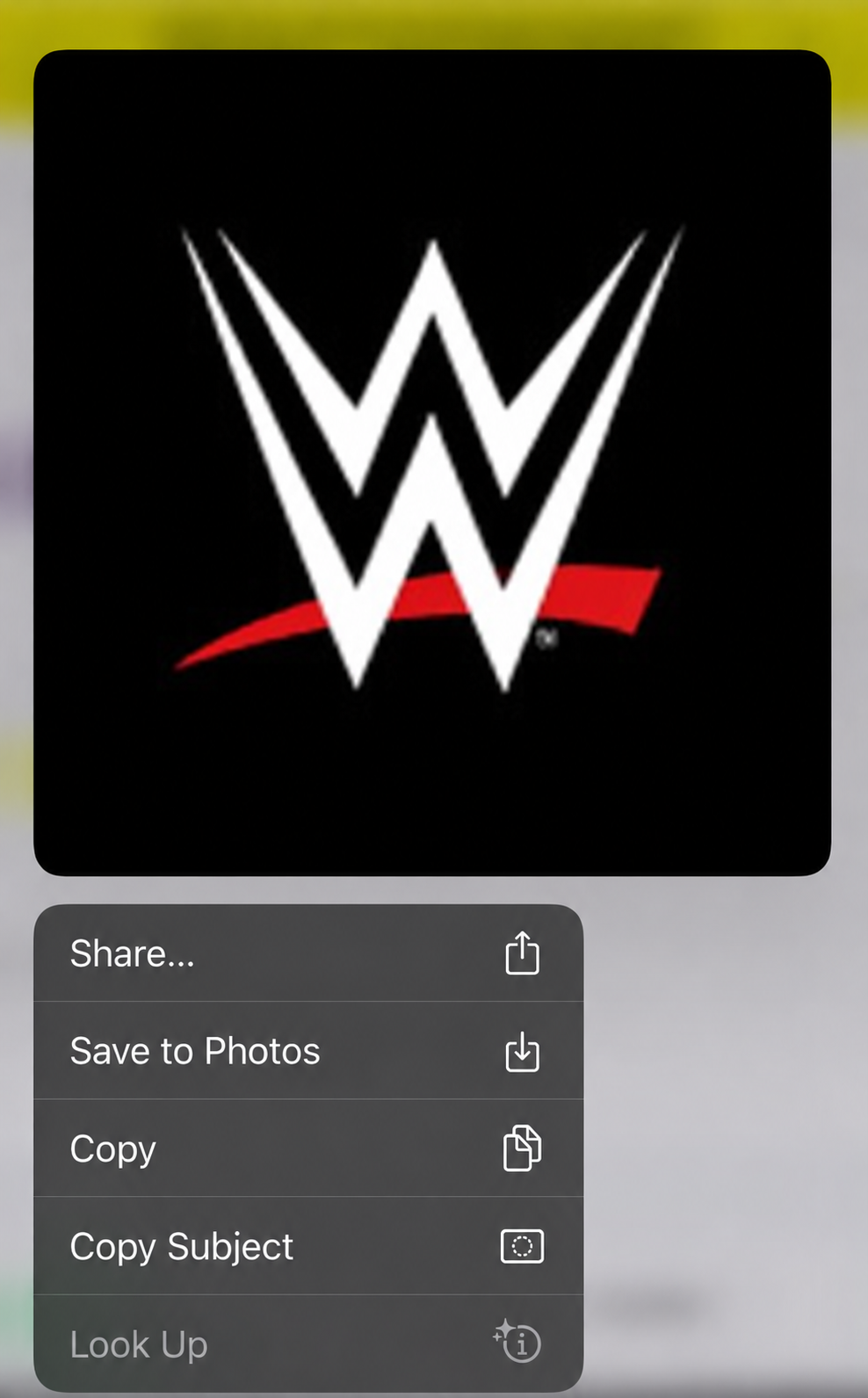
8. The image saves to your camera roll or downloads folder in full resolution.
On Desktop
9. After the profile picture loads right click on the image.
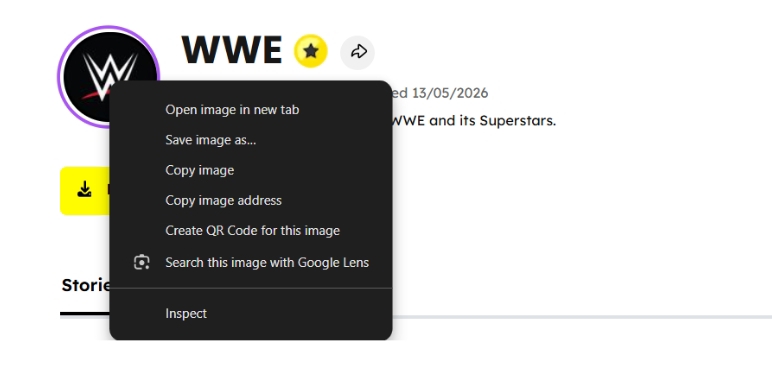
- Select Save Image As from the menu.
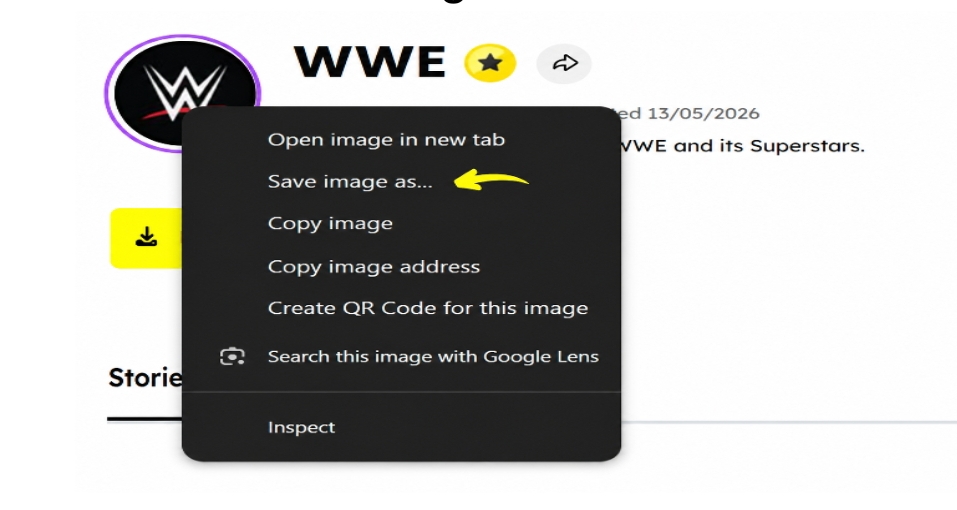
11. Choose where to save it on your computer and click Save.
That’s it. The file saves in its original quality with no watermark and no logo added on top.
Can You View Profile Pictures of Private Accounts?
This is worth knowing. Even if someone’s stories and content are set to private their profile picture is often still publicly accessible. Snapchat’s privacy settings lock down stories and snaps, but the display picture itself tends to remain public by default.
So, in many cases you can view and download the profile picture of a private account even if you can’t see any of their content. It depends on the individual account settings, but it works far more often than people expect.
Why People View and Download Snapchat Profile Pictures
There are plenty of normal reasons for this, and none of them need much explaining.
- Checking a profile before adding someone to see who they actually are, before accepting a request
- Verifying an account to confirm the person is who they claim to be
- Saving a friend’s or creator’s picture for use as a contact photo or reference
- Viewing a Bitmoji in detail since Bitmoji avatars often have details too small to see in the app’s tiny circle
- Researching a public figure or brand without wanting your account to be involved
Frequently Asked Questions
Q – Will the person know I viewed or downloaded their profile picture?
No. Using viewsnapstories.com to view or download a profile picture doesn’t trigger any notification on Snapchat’s end. The account owner has no way of knowing you accessed their picture.
Q – Can I view a Snapchat profile picture without an account?
Yes. ViewSnapStories works without any Snapchat login or account. Just enter the username and the profile picture loads in your browser.
Q – Why does the Snapchat profile picture look blurry in the app?
Snapchat compresses and crops profile pictures inside the app so you never see them at their original resolution. Browser tools like ViewSnapStories fetch the original full-size file directly which is why the quality looks much better.
Q – Can I download the profile picture in full resolution?
Yes. The tool loads the original file at full resolution. Once it appears in your browser you can save it using the press and hold option on mobile or right click and save on desktop.
Q – Does this work for Bitmoji profile pictures?
Yes. Whether the account uses a real photo or a Bitmoji avatar the tool fetches whatever is set as the profile picture in full resolution.
Q – Does it work on iPhone and Android?
Yes. ViewSnapStories runs on any mobile browser on both iPhone and Android. No app installation and no settings changes are needed.
Bottom Line
Snapchat’s app deliberately keeps profile pictures small and inaccessible. ViewSnapStories gets around that by fetching the original full-resolution file directly. Enter the username, the picture loads in full size and you can save it in seconds with no Snapchat account and no notification sent to the other person.